
|
Do it yourself
| |||
| ||||


How to Reset the Service Light on the Dacia Duster
Model: Dacia Duster
HM, MK 2
- Years 2017-2024
In today's video, we will see how to reset the service light on the second generation Dacia Duster. First, turn on the ignition. Navigate to the selection menu, scrolling through the vehicle settings using the appropriate arrows on the right side of the steering wheel. Once done, confirm and wait a few seconds; at this point, the operation is complete. You will see the new parameter, either 12 months or 20,000 miles. Remember to carry out the maintenance indicated in the owner's manual, according to the schedule set by the manufacturer.
Updated on 10 July 2026 by ScegliAuto
Video tutorial
Related tutorials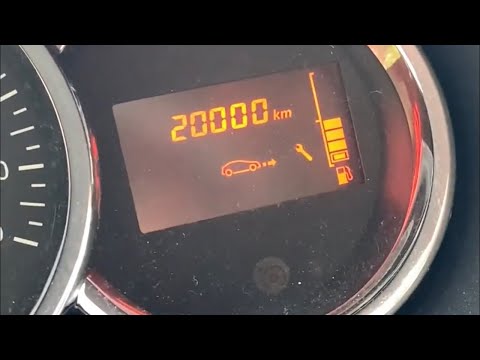
Dacia Duster
(2010-2017 /
HS, MK 1)
Before you can start, sit in the driver's seat of your Dacia Duster. Begin by activating the instrument cluster by simply turning the key in the igni…
Dacia Duster
(2010-2017 /
HS, MK 1)
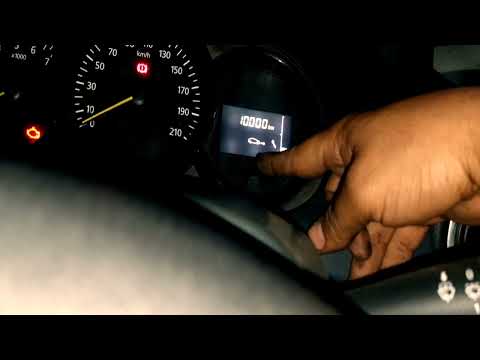
Learn how to reset the oil change service light on a Dacia Duster, applicable to most Dacia and Renault models. First, get in the vehicle and press t…

Dacia Duster
(2017-2024 /
HM, MK 2)
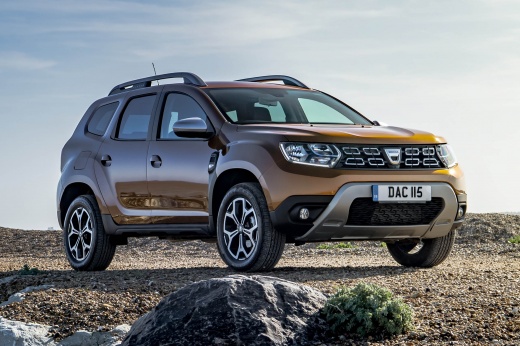
Today, you will learn how to reset the service light on a Dacia car. Specifically, this video shows a second-generation Dacia Duster. Turn on the ins…
Other guides you may be interested in
|
Frequently Asked QuestionsHow to Replace the Cabin Filter on the Opel Grandland X
If you own an Opel Grandland X and want to know the steps to replace the cabin air filter, carefully read the following guide and follow the described steps. First, enter the vehicle and go to the passenger side. Then, locate the box containing the air filter in the lower side area of the dashboard. Remove the cover of the box and finally replace the old filter with the new one. Refit the cover, and you are done. by ScegliAuto More videos
|
|
For advertising on this site Write to info@scegliauto.com
ScegliAuto is not responsible for any inaccuracy of the data in the lists. To report any inaccuracy or your business (if you own the business in question), please write to info@scegliauto.com
Number of seconds to generate the page: 0.108
(c) ScegliAuto 2026 - info@scegliauto.com - Privacy policy VAT number: IT01247470535 |
