
|
Do it yourself
| |||
| ||||


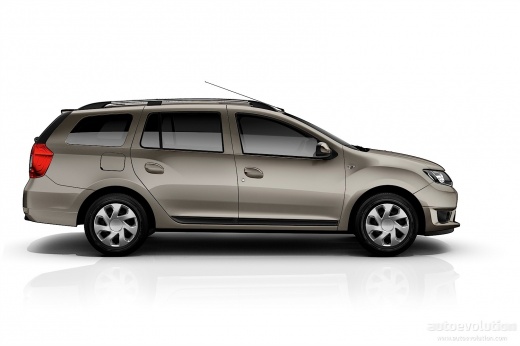
How to Reset the Service Light on the Dacia Logan
Model: Dacia Logan
MK 2
- Years 2012-2022
Video tutorial
Detailed instructions - Resetting the service light is a very simple operation that requires a PC and the OBD connector. Turn on the instrument panel and connect the OBD connector to the PC to access the reset program. Select the vehicle model and production year, then follow the instructions on the site to set the mileage for the next oil change and reset the light. Once completed, turn off and then turn on the instrument panel of the vehicle before disconnecting the PC.
Updated on 3 October 2026 by ScegliAuto
Related tutorials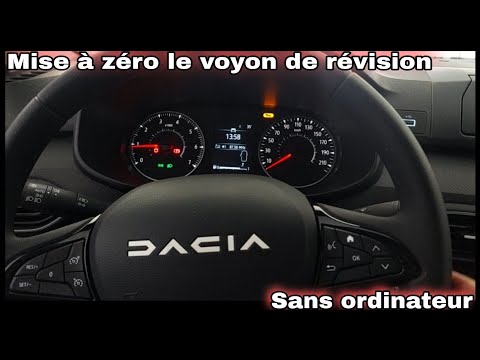
Dacia Logan
(2012-2022 /
MK 2)
This guide explains how to independently reset the service light on a 2023 Dacia Logan. To reset the light, turn on the instrument panel and press th…

Dacia Logan
(2012-2022 /
MK 2)
Resetting the oil light on the 2018 Dacia Logan is a very simple operation, although it follows a slightly different procedure than usual. To reset t…

Dacia Logan
(2012-2022 /
MK 2)
When we need to reset the service light on a Dacia Logan vehicle, it is important to have first completed the service operation. To reset it, we need…
Other guides you may be interested in |
How to Replace the Emergency Call System Battery on BMW X2
To replace the battery of the emergency call system on the BMW X2, you need to remove the interior roof lining of the car. This will allow access to the components covered by it. At the rear left, near the passenger door, you will find the battery: it can be removed from its housing and replaced with a new spare part. After replacement, cover everything back with the interior lining panel, ensuring that everything functions correctly. by ScegliAuto More videos
|
|
For advertising on this site Write to info@scegliauto.com
ScegliAuto is not responsible for any inaccuracy of the data in the lists. To report any inaccuracy or your business (if you own the business in question), please write to info@scegliauto.com
Number of seconds to generate the page: 0.089
(c) ScegliAuto 2026 - info@scegliauto.com - Privacy policy VAT number: IT01247470535 |
