
|
Do it yourself
| |||
| ||||


Replacement of Front Brake Discs and Pads
Model: Dodge Charger
LX
- Years 2006-2011
To replace the front brake discs and pads, start by lifting the vehicle on suitable axle stands and removing the front wheel. Next, unscrew the retaining bolts of the brake caliper, remove it from its seat, and hang it on the shock absorber spring using a tie wrap. Remove the pads and then disassemble the caliper bracket, sliding off the two spring washers that hold the brake disc in place. Clean the disc seat on the hub, apply grease, and fit the new disc, securing it with the two washers. Then, reverse the process by installing the caliper bracket, the new pads, and the caliper itself.
Updated on 18 February 2026 by ScegliAuto
Video tutorial
Related tutorials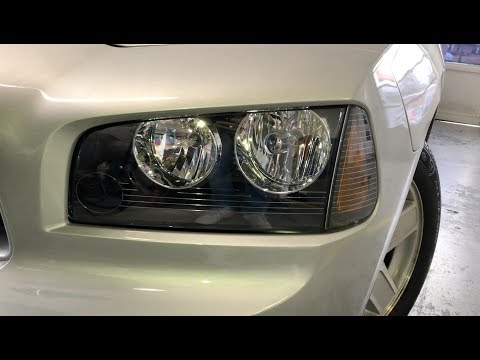
Dodge Charger
(2006-2011 /
LX)
In this guide, we will see the instructions that will allow us to disassemble and replace the front headlights of the Dodge Charger, in simple steps.…
Dodge Charger
(2006-2011 /
LX)
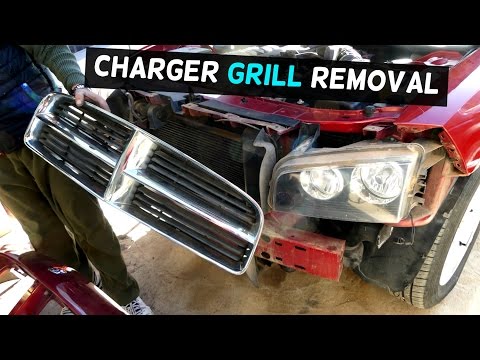
To comfortably remove the front bumper, it is recommended to lift the vehicle on suitable axle stands and remove the front wheels, as the plastic whe…
Dodge Charger
(2006-2011 /
LX)
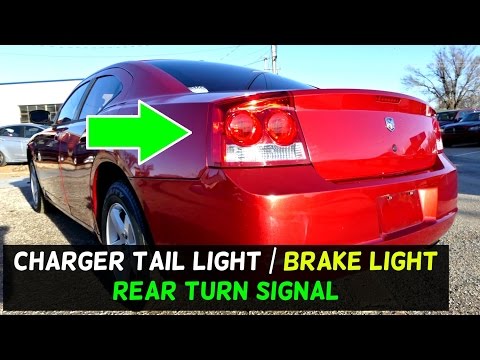
Replacing the rear headlamp bulbs is straightforward, as disassembling the headlamp itself is also quite simple. Open the rear bonnet and locate the …
Other guides you may be interested in
|
How to Replace the Front Headlamp Bulbs on a Dacia Sandero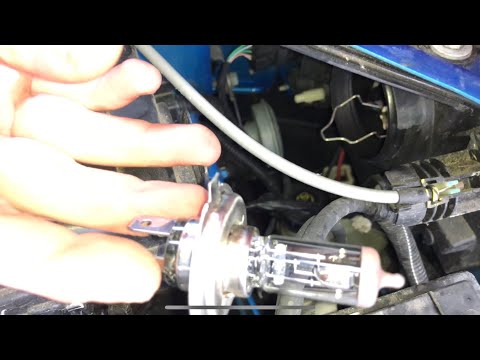
Open the bonnet by pulling the lever located at the bottom left of the dashboard, and secure it with the prop rod. Locate the inspection cap of the headlamp (at the rear of the headlamp) and remove it. After removing the caps, you will find the bulbs with metal clips; pull out the bulb holder from the headlamp and extract the damaged bulbs using a screwdriver. Fit the new bulbs (ensuring they are the correct type and size) and insert the bulb holder back into the headlamp housing. Reassemble all previously removed parts. by ScegliAuto More videos
|
|
For advertising on this site Write to info@scegliauto.com
ScegliAuto is not responsible for any inaccuracy of the data in the lists. To report any inaccuracy or your business (if you own the business in question), please write to info@scegliauto.com
Number of seconds to generate the page: 0.059
(c) ScegliAuto 2026 - info@scegliauto.com - Privacy policy VAT number: IT01247470535 |
