
|
Do it yourself
| |||
| ||||


|
Model: Ducati Monster 797
Remove the pin that holds the caliper pin in place, as clearly shown in the video (for better leverage, use a small pair of pliers). Next, move on to the pin itself, giving it a light tap with a hammer and then extracting it by hand. Done! On this model, replacing the rear brake pads is really straightforward. Unlike many other motorcycle models, you do not need to completely disassemble the caliper; after removing the pin, you can already take out the pads. Slightly widen the caliper pistons before inserting the new pads, which will obviously be thicker than the ones removed.
Updated on 24 April 2026 by ScegliAuto
Video tutorial
Related tutorials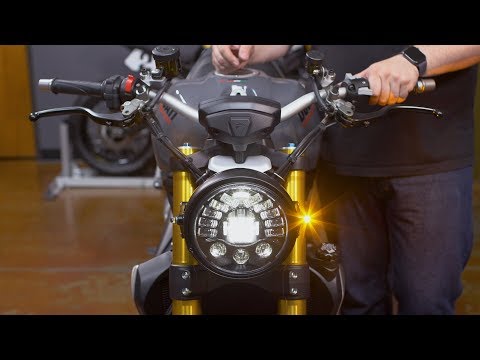
Monster 797
Below are the instructions for removing and replacing the front headlight on a Ducati Monster 797 in simple and quick steps. First, place the bike on…

Monster 797
Below are the steps to remove and replace the fuel tank on the Ducati Monster 797 motorcycle. First, place the bike on a stand and begin by removing …
Monster 797
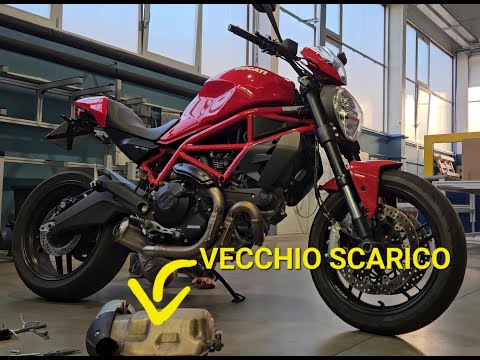
The exhaust pipe of the Ducati Monster 797 can be replaced by loosening the screws that fix the exhaust terminal to the corresponding supports: once …
|
How to Reset the Engine Oil Light on a Yamaha XMax 250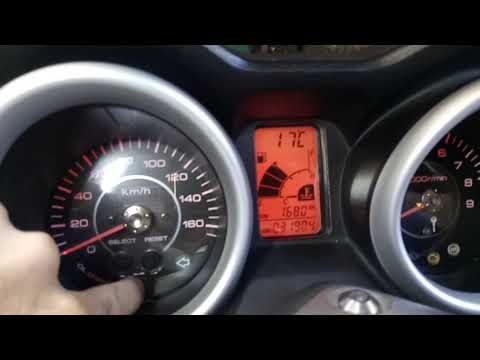
This short video demonstrates the procedure to reset the engine oil light on a Yamaha XMax 250 scooter. The operation is very simple and quick; first, insert the motorcycle key into the designated slot and turn it to the first position to power on the instrument panel without starting the vehicle. At this point, you will see the light on the display; simply press the "oil change" button located at the centre of the motorcycle's speedometer and hold it until the light stops flashing. The operation will then be complete; to verify success, turn off and then turn on the instrument panel. by ScegliAuto More videos
|
|
For advertising on this site Write to info@scegliauto.com
ScegliAuto is not responsible for any inaccuracy of the data in the lists. To report any inaccuracy or your business (if you own the business in question), please write to info@scegliauto.com
Number of seconds to generate the page: 0.005
(c) ScegliAuto 2026 - info@scegliauto.com - Privacy policy VAT number: IT01247470535 |
