
|
Do it yourself
| |||
| ||||


How to deactivate Lane Departure Warning on the EMC Vawe 3
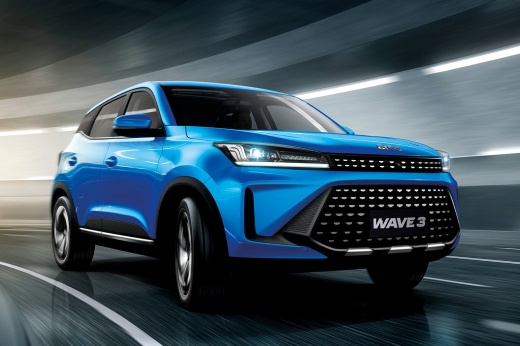
Model: EMC Wave 3
MK 1
- Years 2022-2026
In this video we see how to deactivate an ADAS present on the EMC Vawe 3, the Lane departure warning. Although it is a very useful control, some drivers may find it annoying when they have full control of the vehicle, and prefer to keep it active only in particular driving conditions, such as at night or when they are very tired. But let's see how to remove the lane keeping assistant when we see that it is activated on the dashboard: from the central screen, click on the radio menu, then on "vehicle" and then on "around view monitor", here we deactivate "lane departure warning". This way the warning light on the dashboard disappears.
Posted on 3 April 2024 by ScegliAuto
Video tutorial
Related tutorials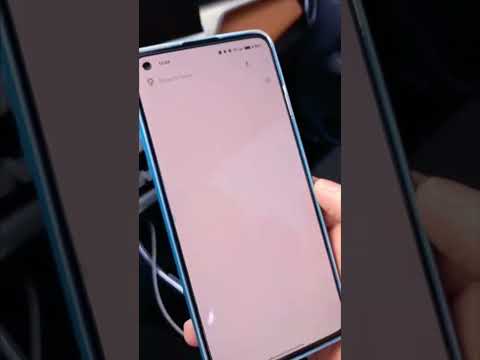
EMC Wave 3
(2022-2026 /
MK 1)
Today's guide will show us how to connect our smartphone to the multimedia system of the EMC Wave 3, following the instructions below. First, we get …
EMC Wave 3
(2022-2026 /
MK 1)
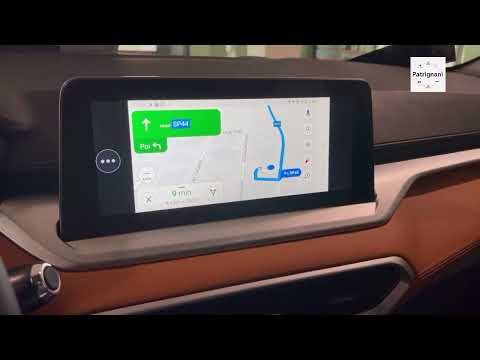
Briefly, we will see the instructions that will allow us to use the car radio and the EMC Wave 3 navigator, following these simple steps. First, we g…
EMC Wave 3
(2022-2026 /
MK 1)
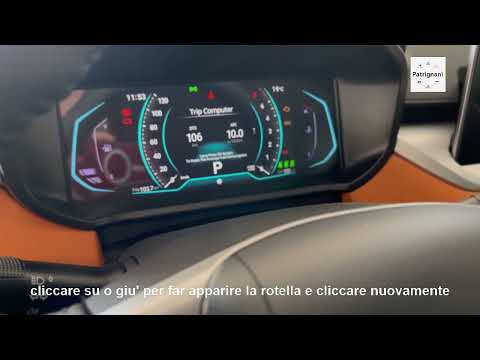
Today's guide will show us how to adjust the brightness of the EMC Wave 3 dashboard, following the instructions below. First, we get on board the veh…
Other guides you may be interested in
|
How to Remove the Engine Air Filter on a Fiat 500X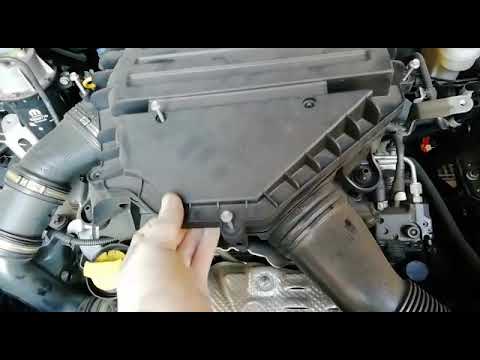
To remove the engine air filter on a Fiat 500X: open the car door, pull up the lever to open the engine bay located at the bottom left of the dashboard and lift the front bonnet, securing it with the prop rod. Unscrew the retaining bolts of the air intake kit (located above the engine head), remove the cover of the filter box and extract the worn air filter. Insert a new filter into the designated housing (ensuring it fits snugly against the walls). Finally, reassemble the air box cover and tighten everything with the bolts. Close the front bonnet after maintenance. by ScegliAuto More videos
|
|
For advertising on this site Write to info@scegliauto.com
ScegliAuto is not responsible for any inaccuracy of the data in the lists. To report any inaccuracy or your business (if you own the business in question), please write to info@scegliauto.com
Number of seconds to generate the page: 0.058
(c) ScegliAuto 2026 - info@scegliauto.com - Privacy policy VAT number: IT01247470535 |
