
|
Do it yourself
| |||
| ||||


Fiat Argo - ClockClock Fiat Argo (2017-2024 / mk 1) Fiat Argo (2017-2024 / MK 1) How do you set the clock on the Fiat Argo? To adjust the clock of the Fiat Argo, you need to turn on the instrument panel by inserting the ignition key into the corresponding slot: once the panel is …Read all… Posted on 31 July 2025 by ScegliAuto  Fiat Argo (2017-2024 / MK 1) How to set the clock on the Fiat Argo In this video, we see how to set the clock on the Fiat Argo, a car produced by Fiat for the South American markets as a replacement for the Fiat Palio. Using …Read all… Posted on 15 May 2025 by ScegliAuto  Fiat Argo (2017-2024 / MK 1) How do you set the clock of the Fiat Argo? In order to adjust the clock of the Fiat Argo, you need to turn on the instrument panel by inserting the ignition key into the corresponding slot. Once the …Read all… Posted on 14 December 2024 by ScegliAuto 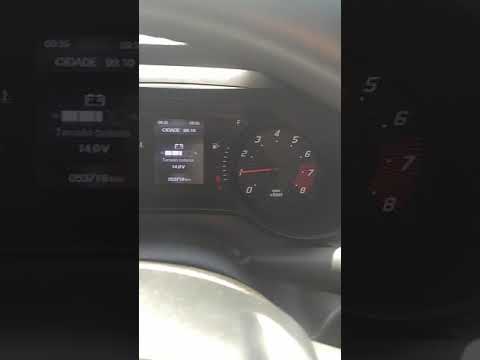 Fiat Argo (2017-2024 / MK 1) How to Change the Time on the Fiat Argo If you need to change the time on the instrument cluster display of this vehicle, follow the instructions below and refer to the images in the video. First, …Read all… Posted on 23 September 2026 by ScegliAuto 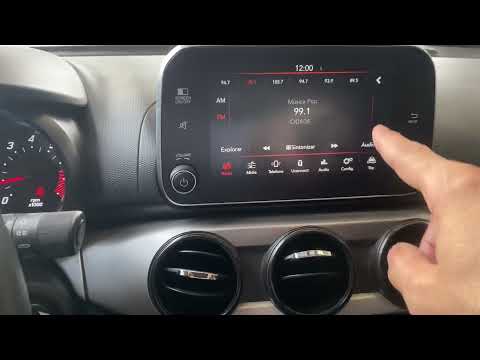 Fiat Argo (2017-2024 / MK 1) How to Set the Time in the Fiat Argo? The Fiat Argo allows you to set the date and time directly from the touchscreen display of the car radio. To do this, tap the area where the time is displayed. …Read all… Posted on 21 July 2026 by ScegliAuto 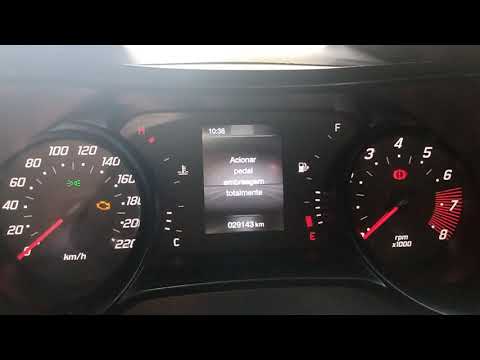 Fiat Argo (2017-2024 / MK 1) How to Set the Time on the Fiat Argo In this video, you will learn how to set the time on the Fiat Argo. First, turn on the instrument cluster and the onboard computer. Next, press the 'Settings' …Read all… Posted on 16 July 2026 by ScegliAuto Speaker (1) Battery (1) Body (1) Key (5) Onboard computer (1) Checks and maintenance (1) Air filter (1) Grille (1) Tail light bulb (1) License plate light (1) Engine oil (1) Clock (6) Door trim panel (1) Front bumper (1) Brake pads (1) Brake system (1) Side mirror (2) (1) Tire pressure warning light (5) Service warning light (7) Steering wheel (1) |
How to Open the Fuel Flap on a Volkswagen Tiguan?
To open the fuel flap on a Volkswagen Tiguan, first unlock the car using the appropriate button on the remote. This will open the car and unlock the mechanism that controls the fuel flap. At this point, apply light pressure to the left side of the flap to open it and access the cap underneath. Once this is unscrewed, you can refuel and then close everything. by ScegliAuto More videos
|
|
For advertising on this site Write to info@scegliauto.com
ScegliAuto is not responsible for any inaccuracy of the data in the lists. To report any inaccuracy or your business (if you own the business in question), please write to info@scegliauto.com
Number of seconds to generate the page: 0.006
(c) ScegliAuto 2026 - info@scegliauto.com - Privacy policy VAT number: IT01247470535 |
