
|
Do it yourself
| |||
| ||||


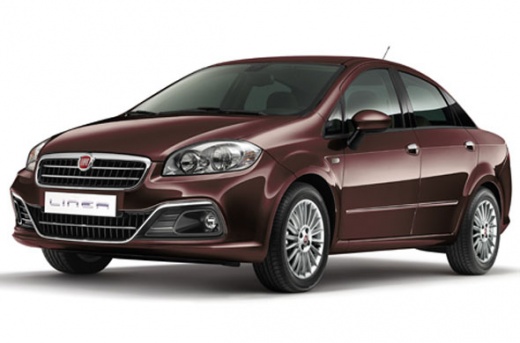
How to Replace the Remote Key Buttons for the Fiat Linea?
Model: Fiat Linea
MK 1
- Years:
2007, 2008, 2009, 2010, 2011, 2012, 2013, 2014, 2015, 2016, 2017, 2018
Video tutorial
Did you buy the Fiat Linea back in 2007 and after more than a decade the remote key has all the buttons worn out and you want to replace them? No problem, with this video you can learn how to do the replacement and make your Fiat Linea remote look like new again. Get a replacement keypad, available for just a few dollars online, and then follow these simple steps. First, using a utility knife or a similar object, remove the old worn buttons. Next, install the new buttons by securing them properly. Press firmly on the remote to ensure they are well fixed in place. The replacement is complete! Easy, right?.
Updated on 4 July 2026 by ScegliAuto
Related tutorials
Fiat Linea
(2007-2018 /
MK 1)
To set the clock on the Fiat Linea, turn on the instrument panel so you can navigate through the menu options on the onboard computer. Press the MENU…

Fiat Linea
(2007-2018 /
MK 1)
To replace the timing chain on the Fiat Linea, lift the car and loosen the bolts securing the right front wheel so that it can be removed along with …

Fiat Linea
(2007-2018 /
MK 1)
As we can see in this tutorial, removing the radio in a Fiat Linea is a very simple and quick operation. To do this, you will need the appropriate ke…
Other guides you may be interested in |
How to reset the Service light on a 2019 Jeep Renegade?
The Service light, depicted as a yellow spanner, illuminates as scheduled to remind the driver that it is time for scheduled maintenance. This means that the set mileage has been reached, or the expected time has passed. The procedure involves turning on the instrument cluster, pressing the accelerator three times, and then turning off the ignition. After this, keep the brake pressed, turn the ignition back on, and then turn it off again. Upon the next ignition, you will notice that the light has been reset. by ScegliAuto More videos
|
|
For advertising on this site Write to info@scegliauto.com
ScegliAuto is not responsible for any inaccuracy of the data in the lists. To report any inaccuracy or your business (if you own the business in question), please write to info@scegliauto.com
Number of seconds to generate the page: 0.081
(c) ScegliAuto 2026 - info@scegliauto.com - Privacy policy VAT number: IT01247470535 |
