
|
Do it yourself
| |||
| ||||


How to Remove the Instrument Cluster of a Fiat Punto Evo
Model: Fiat Punto
199, MK 3, Grandepunto , Punto EVO
- Years 2005-2018
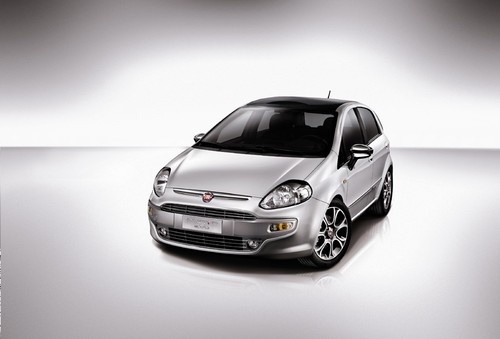
Removing the instrument cluster in this model (similar to all Fiat models) is extremely simple. Before starting this operation, adjust the steering wheel all the way out and down for better access. Begin by removing the cover on the instrument cluster to access the first two mounting screws. Then, pull off the eco-leather trim located just below the instrument cluster to access the other two screws and complete the removal by disconnecting the relevant power connector.
Updated on 18 February 2026 by ScegliAuto
Video tutorial
Related tutorials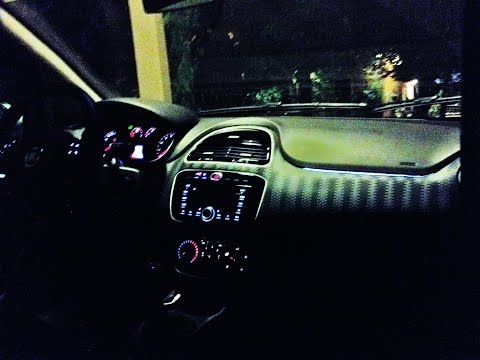
Fiat Punto
(2005-2018 /
199, MK 3, Grandepunto , Punto EVO)
Below we will see step-by-step instructions that will allow us to disassemble and replace the instrument panel of the Fiat Punto Evo, as well as the …
Fiat Punto
(2005-2018 /
199, MK 3, Grandepunto , Punto EVO)
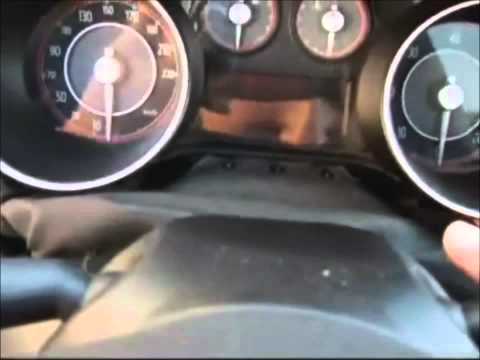
How to remove the instrument cluster on a Fiat Punto Evo? Follow these steps: Remove the screws from the plastic covers around the steering wheel usi…

Fiat Punto
(2005-2018 /
199, MK 3, Grandepunto , Punto EVO)
Today we will illustrate the steps to follow to set the time on the instrument panel of the Fiat Punto Evo mk3. To set the clock on the instrument pa…
Other guides you may be interested in
|
How to Update the TomTom on a Renault Scenic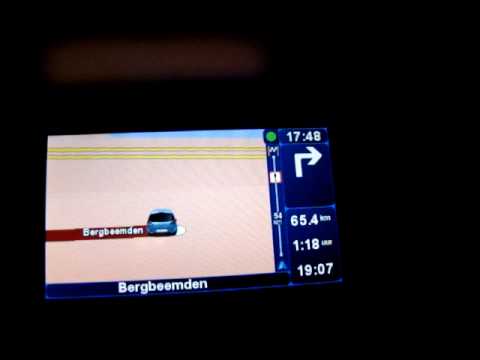
Follow this video to update the original TomTom navigator on a Renault Scenic. This is a very simple operation; enter the vehicle, turn on the instrument panel of your car with the key fob, press the knob located near the gear lever, and find the menu with the update option. Press the knob down and up to confirm, then wait for the necessary time for the device to update. Finally, the onboard computer will display the successful update of the navigator; check everything and turn off the instrument panel with the appropriate key. by ScegliAuto More videos
|
|
For advertising on this site Write to info@scegliauto.com
ScegliAuto is not responsible for any inaccuracy of the data in the lists. To report any inaccuracy or your business (if you own the business in question), please write to info@scegliauto.com
Number of seconds to generate the page: 0.082
(c) ScegliAuto 2026 - info@scegliauto.com - Privacy policy VAT number: IT01247470535 |
