
|
Do it yourself
| |||
| ||||


|
Model: Gasgas Txt Pro 250
To replace the clutch on a GasGas TXT Pro 250, loosen the screws securing the cover on the right side of the bike so that it can be removed, giving access to the underlying clutch. Remove the clutch from its housing by sliding out all the discs while loosening the bolts that secure them in place. Once the clutch has been removed, insert the new one into its housing, securing the discs with the bolts and refitting the cover.
Updated on 17 May 2026 by ScegliAuto
Video tutorial
Related tutorials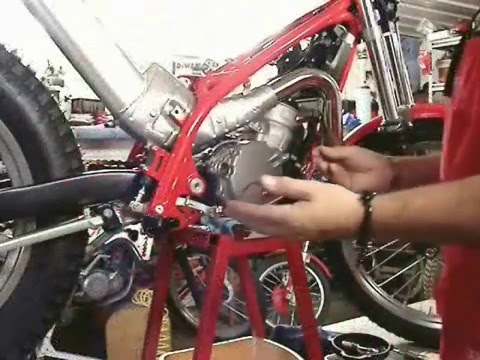
Txt Pro 250
To replace the clutch on the GasGas TXT Pro 250, loosen the screws securing the cover on the right side of the bike to access the clutch discs undern…
Txt Pro 250
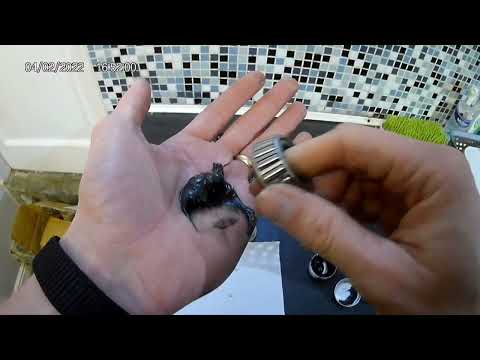
To replace the steering bearing on a GasGas TXT Pro 250, completely disassemble the front fork so that it can be removed from the front of the frame …

Txt Pro 250
In order to replace the front fork spring on the GasGas TXT Pro 250, you need to loosen the cover cap located on the top of the front fork: once this…
|
How to Replace the Front Brake Pads on a Peugeot Elyseo 125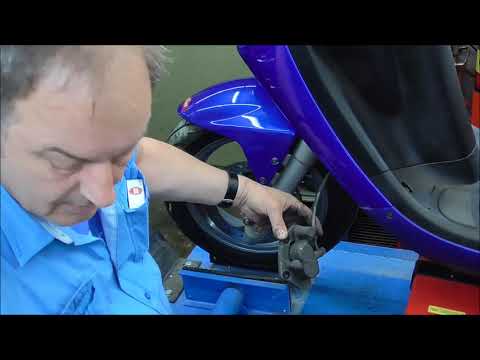
This guide briefly explains how to remove and replace the front brake pads on the Peugeot Elyseo 125 scooter. First, place your scooter on the centre stand and start unscrewing the bolts securing the front brake caliper to remove it from the disc; then, apply pressure to the caliper piston and clean it from any residual dirt, as shown in the video. At this point, remove and replace the brake pads with new, high-quality ones, installing them in the correct orientation and then refitting the brake caliper! by ScegliAuto More videos
|
|
For advertising on this site Write to info@scegliauto.com
ScegliAuto is not responsible for any inaccuracy of the data in the lists. To report any inaccuracy or your business (if you own the business in question), please write to info@scegliauto.com
Number of seconds to generate the page: 0.006
(c) ScegliAuto 2026 - info@scegliauto.com - Privacy policy VAT number: IT01247470535 |
