
|
Do it yourself
| |||
| ||||


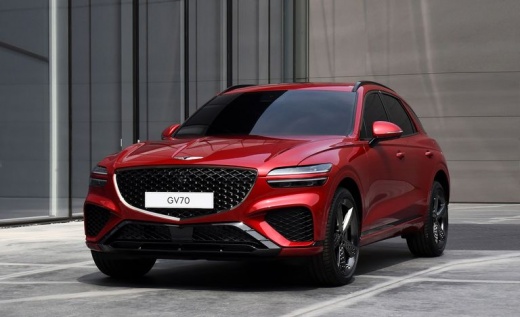
How to connect the smartphone on the Genesis GV70
Model: Genesis Gv70
MK 1
- Years 2020-2026
In this video tutorial we will see the instructions on how to connect our smartphone via Android Auto or Apple Car Play on the multimedia system of the Genesis GV70. First of all, let's get on board the car and download the manufacturer's application on our smartphone; then let's connect our mobile phone to the car via USB cable, as shown in the video. At this point we are going to open the application and give consent for access to multimedia content; we will then see the screens of our phone appear on the multimedia system!
Posted on 4 September 2022 by ScegliAuto
Video tutorial
Related tutorials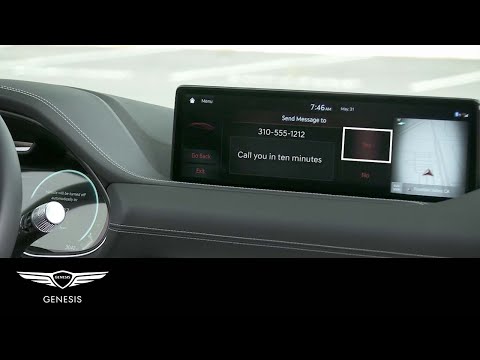
Genesis Gv70
(2020-2026 /
MK 1)
To be able to read the messages from the Genesis GV70 infotainment system, you must first connect your smartphone via bluetooth: to do this, you will…

Genesis Gv70
(2020-2026 /
MK 1)
In order to replace the gearbox of the Genesis GV70 you have to go and lift the machine by means of a bridge, so that you can have access to the comp…
Genesis Gv70
(2020-2026 /
MK 1)
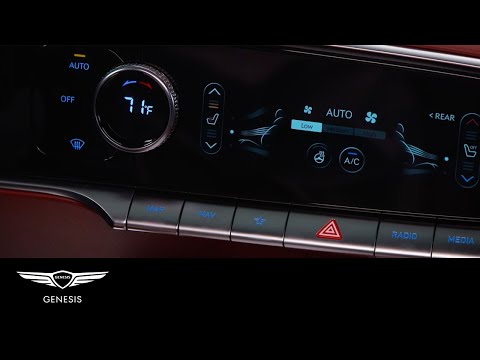
One feature of the Genesis GV70 is the ability to offer both seat heating and ventilation for the front seats. In this video, we will see how this pa…
Other guides you may be interested in |
Timing Belt Replacement on Audi Q5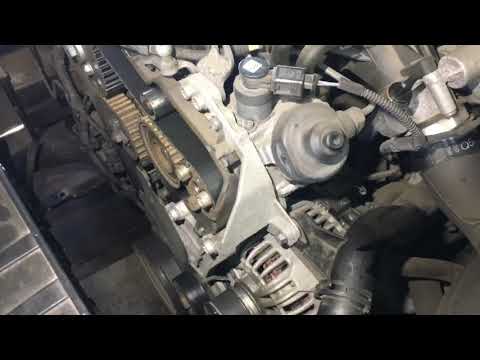
The timing belt on the Audi Q5 has reached its mileage limit, so what should you do? Let's go through the removal of the belts on the Q5. Open and lift the hood of the engine, then remove the engine soundproofing panel. Once these steps are completed, remove the plastic covers of the belts located on the left side of the engine. Loosen the second tensioner and slide the belt out of its seat. After installing the new belt, use a wrench to install the tensioner pulley, and tighten it until the belt has the correct tension (install both belts). Reinstall the covering plastics. Start and test the Audi Q5 engine. by ScegliAuto More videos
|
|
For advertising on this site Write to info@scegliauto.com
ScegliAuto is not responsible for any inaccuracy of the data in the lists. To report any inaccuracy or your business (if you own the business in question), please write to info@scegliauto.com
Number of seconds to generate the page: 0.042
(c) ScegliAuto 2026 - info@scegliauto.com - Privacy policy VAT number: IT01247470535 |
