
|
Do it yourself
| |||
| ||||


Gilera Runner Vx 125 - Video guides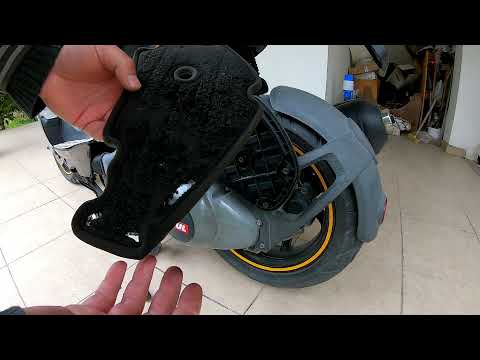 Gilera Runner Vx 125
 How to Replace the Air Filter on the Gilera Runner VX125 Scooter? As shown in this tutorial, replacing the air filter on the Gilera Runner VX125 scooter is an extremely simple and quick task. First, ensure that the engine is …Read all… Posted on 13 August 2026 by ScegliAuto  Gilera Runner Vx 125
 How to Replace the Oil and Oil Filter on a Gilera Runner VX 125 To replace the oil and oil filter on the Gilera Runner VX 125, warm up the bike to make the oil more fluid. Then, open the drain plug using a 24mm spanner and …Read all… Posted on 26 June 2026 by ScegliAuto 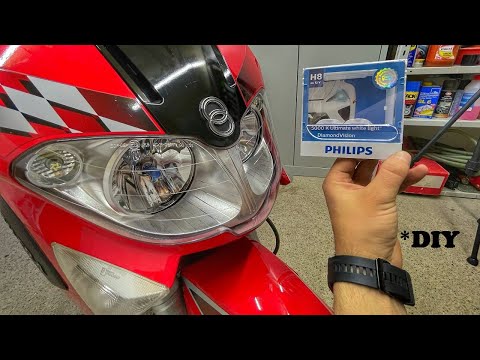 Gilera Runner Vx 125
 How to Replace the Headlight Bulb on a Gilera Runner VXR 125 Watch this video to learn how to dismantle and replace the headlight bulb on a Gilera Runner VXR 125 scooter in simple and quick steps. First, unscrew the …Read all… Posted on 19 June 2026 by ScegliAuto 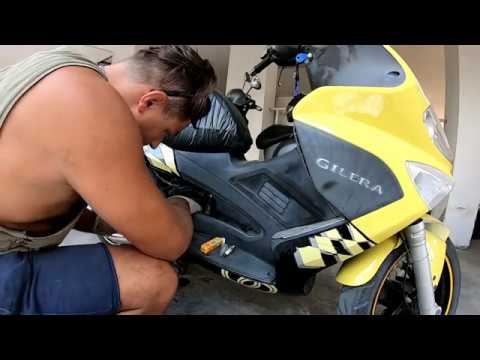 Gilera Runner Vx 125
 How to Change Engine Oil on Gilera Runner VX 125 (2007) Let’s see how to change the engine oil during the regular maintenance service on a Gilera Runner VX 125 scooter, in simple and quick steps. First, warm up …Read all… Posted on 18 June 2026 by ScegliAuto |
How to reset the tyre pressure warning light on the Dacia Sandero?
To reset the tyre pressure warning light on the Dacia Sandero, inflate all the tyres to the pressure indicated on the label on the driver's door. Once the tyres are inflated, turn on the ignition and navigate through the menu using the controls on the right side of the steering wheel. Scroll with the arrows to find the tyre pressure option: by holding down the OK button located on the right side of the steering wheel, you can reset the warning light. by ScegliAuto More videos
|
|
For advertising on this site Write to info@scegliauto.com
ScegliAuto is not responsible for any inaccuracy of the data in the lists. To report any inaccuracy or your business (if you own the business in question), please write to info@scegliauto.com
Number of seconds to generate the page: 0.007
(c) ScegliAuto 2026 - info@scegliauto.com - Privacy policy VAT number: IT01247470535 |
