
|
Do it yourself
| |||
| ||||


How to Replace the Battery on a Harley Davidson Road Glide
Model: Harley Davidson Road Glide
This video is currently unavailable
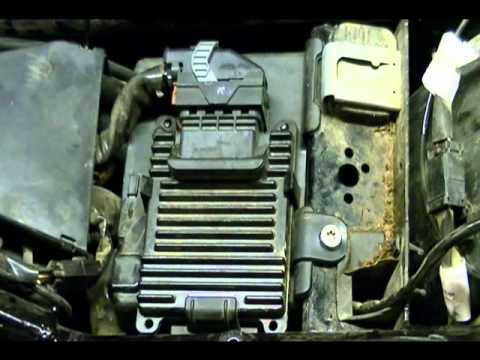
To replace the battery on a Harley Davidson Road Glide, loosen the screws securing the seat to its housing. Once these screws are loosened, you can completely detach the seat from its housing, gaining access to the components underneath. Here, you will find the battery, which can be removed from its housing by unscrewing the screws and disconnecting the power cables. At this point, insert the new device, connecting it to the connectors and covering everything with the seat that was removed earlier.
Updated on 14 July 2026 by ScegliAuto
Related tutorials
Road Glide
In this tutorial, see how to set the time on a Harley-Davidson Road Glide, a very simple and quick operation, for example, after disconnecting the ba…
Road Glide
To replace the battery on a Harley Davidson Road Glide, loosen the screws securing the saddlebags on the sides of the bike so they can be removed. Af…

Road Glide
Briefly, we will see the instructions to remove and replace the battery in a Harley Davidson Road Glide. First, place the motorcycle on its stand and…
|
How to Change the Engine Oil of a BMW R9T
To change the engine oil of a BMW R9T, follow these steps. Ensure the engine is warm but not too hot. Position the bike on a flat surface and lift the front using a motorcycle stand. Remove the oil cap from the engine oil reservoir. Place a catch container under the oil drain plug, usually located on the underside of the engine. Unscrew the oil drain plug and let the old oil drain completely into the container. Once drained, re-tighten the oil drain plug. Remove the oil filter using an oil filter wrench. Clean the mounting surface of the filter and apply a bit of new oil to the seal of the new filter. Install the new oil filter. At this point, fill the engine with new oil, and you will have completed the replacement. by ScegliAuto More videos
|
|
For advertising on this site Write to info@scegliauto.com
ScegliAuto is not responsible for any inaccuracy of the data in the lists. To report any inaccuracy or your business (if you own the business in question), please write to info@scegliauto.com
Number of seconds to generate the page: 0.010
(c) ScegliAuto 2026 - info@scegliauto.com - Privacy policy VAT number: IT01247470535 |
