
|
Do it yourself
| |||
| ||||


Model: Honda Honda Sh
Adjusting the clock on the display of the Honda SH 125, 250, and 350 models is a very simple and quick operation to perform independently. To adjust the clock, we must turn on the motorcycle's instrument panel and press the arrow button on the handlebar to access the settings menu. By holding down the up arrow button, we will access the clock menu. Set the desired time and return to the main menu. Within the clock menu, you can also set the time format to 12 or 24 hours. Once the operation is complete, turn off and turn on the instrument panel again.
Posted on 23 October 2025 by ScegliAuto
Video tutorial
Related tutorials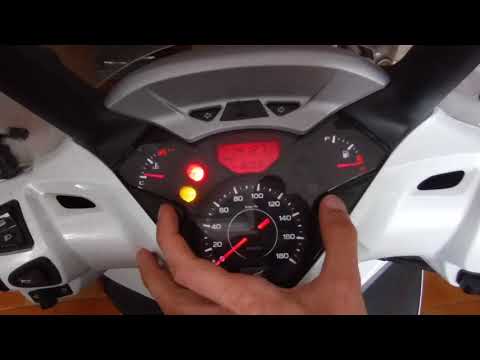
Honda Sh
This video tutorial shows how to reset the oil light on a Honda SH 300 scooter. First, turn on the ignition by inserting the key into the slot and tu…

Honda Sh
Replacing the battery in a Honda SH key is a very simple operation, easily done in a few seconds. This procedure is the same for the 125, 150, and 30…
Honda Sh
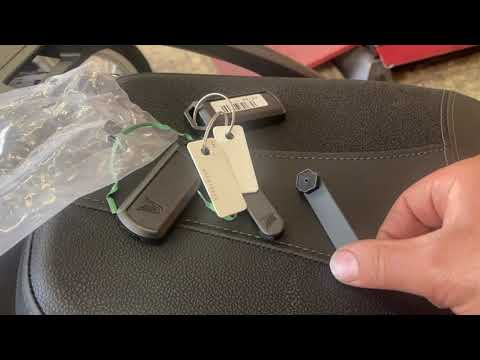
This video tutorial shows how to open the seat of a Honda SH 150 or 350 manually using the plastic keys provided with the scooter. The manual method …
|
How to Reset the Service on the Husqvarna FE 350?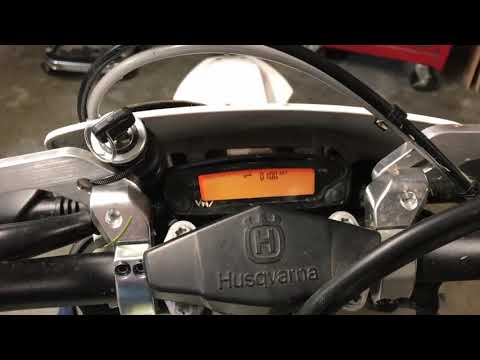
In this tutorial, you will see how to reset the service on the Husqvarna FE 350, a very simple and quick operation. Before proceeding, ensure you have completed all required scheduled maintenance tasks. Start by inserting the key and turning on the instrument panel; it is not necessary to start the engine. Then, repeatedly press the button located to the right of the display until you reach the odometer reading "ODO". Once done, press and hold the opposite button for about 5 seconds, and when the screen changes, press the right button again. by ScegliAuto More videos
|
|
For advertising on this site Write to info@scegliauto.com
ScegliAuto is not responsible for any inaccuracy of the data in the lists. To report any inaccuracy or your business (if you own the business in question), please write to info@scegliauto.com
Number of seconds to generate the page: 0.008
(c) ScegliAuto 2026 - info@scegliauto.com - Privacy policy VAT number: IT01247470535 |
