
|
Do it yourself
| |||
| ||||


|
Model: Honda Click 125
In this tutorial, you will see how to change the engine oil in the Honda Click 125 scooter, a very simple and quick operation. First, ensure that the engine is sufficiently cool to operate safely, then position a container underneath the scooter, locate the drain hole bolt, and unscrew it using a socket spanner. Allow all the oil in the system to drain out, remove the filter, and clean it of any dirt residue. At this point, simply reassemble everything and add the required amount of oil through the designated upper hole.
Posted on 7 May 2026 by ScegliAuto
Video tutorial
Related tutorials
Click 125
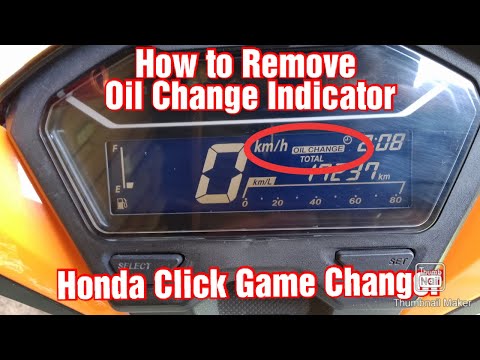
Resetting the oil service on a Honda Click 125 scooter, as shown in this tutorial, is a very simple and quick operation. Before proceeding, ensure th…
Click 125
Resetting the oil service on the Honda Click 125 scooter, as shown in this tutorial, is an extremely simple and quick operation. Before doing this, e…

Click 125
Today, discover the instructions to remove and replace the battery of the Honda Click 125 scooter. First, place the scooter on its centre stand and b…
|
How to Replace the Remote Battery in a Ducati
As shown in this tutorial, replacing the battery in the Ducati Monster 821 is an extremely simple and quick task. First, ensure the key is not inserted. Then locate the plastic cover at the bottom, just below the rear shock absorber, and remove it by unscrewing the respective side screws. If necessary, remove the seat to gain more working space. Once you have access to the battery, disconnect both terminals, support it through the indicated hole, and unscrew the lower fixing bolts. To fit the replacement, simply follow the reverse procedure. by ScegliAuto More videos
|
|
For advertising on this site Write to info@scegliauto.com
ScegliAuto is not responsible for any inaccuracy of the data in the lists. To report any inaccuracy or your business (if you own the business in question), please write to info@scegliauto.com
Number of seconds to generate the page: 0.005
(c) ScegliAuto 2026 - info@scegliauto.com - Privacy policy VAT number: IT01247470535 |
