
|
Do it yourself
| |||
| ||||


|
Model: Honda Click 125
Resetting the oil service on the Honda Click 125 scooter, as shown in this tutorial, is an extremely simple and quick operation. Before doing this, ensure you have completed the required scheduled maintenance work. Start by inserting the key and turning on the instrument panel, then press and hold the two buttons on the dashboard until the time starts flashing. Next, scroll through the various entries using the "SET" button, navigate to the service interval, and using the "SELECT" button, set it to 5,000 km. Finally, restart the instrument panel.
Updated on 11 September 2026 by ScegliAuto
Video tutorial
Related tutorials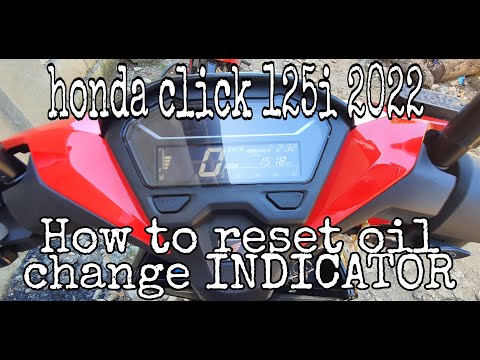
Click 125
Resetting the oil service on a Honda Click 125 scooter, as shown in this tutorial, is a very simple and quick operation. Before proceeding, ensure th…
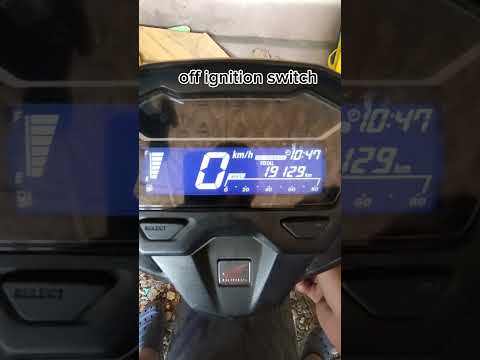
Click 125
This tutorial shows how to reset the oil service on a Honda Click 125 scooter, a very simple and quick operation. Before proceeding, ensure you have …

Click 125
In this tutorial, we will see how to reset the service indicator on the Honda Click 125 scooter, an operation that is extremely simple and quick, to …
|
How to Dismantle the Engine of the KTM EXC 300
To dismantle the engine of the KTM EXC 300, remove the engine block from its housing by unscrewing the bolts that secure it to the supports. Once the engine block is extracted, unscrew the bolts that secure the cylinder at its top, then proceed to remove the side casings. Underneath, you will find the piston and other internal components, such as the clutch. You can now replace the necessary parts and subsequently reinstall the components that were removed earlier. by ScegliAuto More videos
|
|
For advertising on this site Write to info@scegliauto.com
ScegliAuto is not responsible for any inaccuracy of the data in the lists. To report any inaccuracy or your business (if you own the business in question), please write to info@scegliauto.com
Number of seconds to generate the page: 0.108
(c) ScegliAuto 2026 - info@scegliauto.com - Privacy policy VAT number: IT01247470535 |
