
|
Do it yourself
| |||
| ||||


Model: Honda Cbr 500r
If you own a Honda CBR500R and want to manually change the time displayed on the central dashboard, follow the steps below. First, insert the key and turn on the instrument panel without starting the engine. Next, press and hold both buttons located at the ends of the panel and release them when the display starts to flash. At this point, use the left button to adjust the hour digit. Press "Set" to move to the minutes and repeat the same operation. Finally, press "Set" again to save the changes.
Updated on 4 July 2026 by ScegliAuto
Video tutorial
Related tutorials
Cbr 500r
In this tutorial we can see how to replace the front headlight bulbs on the Honda CBR500R, an extremely simple and quick operation. First of all, mak…

Cbr 500r
In this video we can see how to adjust the clock of a Honda CBR 500F: we turn on the motorcycle dashboard by turning the key, but without starting th…

Cbr 500r
In order to replace the battery of the Honda CBR 500R, you need to remove the motorcycle seat from its housing: these screws will be located in the l…
|
How to Replace the Exhaust on a Derbi GPR 50?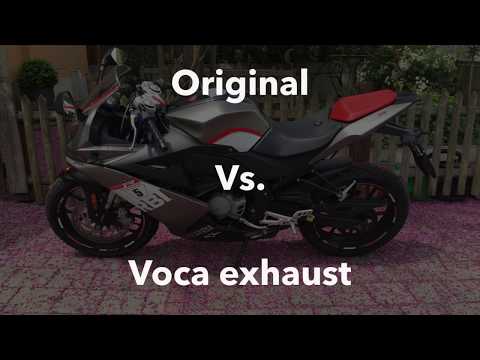
To replace the exhaust on the Derbi GPR 50, loosen the screws that secure the exhaust end can to the supports. Once the old exhaust is freed from its supports, proceed to remove the connecting clamp that joins the end can to the exhaust manifold. This will allow you to completely remove the old exhaust and insert the new one: the new exhaust can now be connected and installed in its place to ensure everything functions correctly after the replacement. by ScegliAuto More videos
|
|
For advertising on this site Write to info@scegliauto.com
ScegliAuto is not responsible for any inaccuracy of the data in the lists. To report any inaccuracy or your business (if you own the business in question), please write to info@scegliauto.com
Number of seconds to generate the page: 0.007
(c) ScegliAuto 2026 - info@scegliauto.com - Privacy policy VAT number: IT01247470535 |
