
|
Do it yourself
| |||
| ||||


|
Model: Honda Click 125
Replacing the battery in the Honda Click 125 scooter, as we can see in this tutorial, is an extremely simple and quick operation. First, ensure that the key is not inserted, then locate the panel in the centre of the footwell, unscrew the relevant screw, and open it. Next, detach the fuse housing, remove the plastic cover, and starting from the negative terminal, disconnect both terminals. At this point, simply extract the battery from the housing, insert the replacement, and reassemble everything by following the reverse procedure.
Updated on 26 August 2026 by ScegliAuto
Video tutorial
Related tutorials
Click 125
In this tutorial, you will see how to replace the battery on a Honda Click 125 scooter, a very simple and quick operation. First, ensure that the ins…

Click 125
Today, discover the instructions to remove and replace the battery of the Honda Click 125 scooter. First, place the scooter on its centre stand and b…

Click 125
In this tutorial, you will see how to set the time on the Honda Click 125 scooter, a very simple and quick operation to perform, for example, after d…
|
Replacing the Front Brake Pads on the Piaggio Vespa 50 LX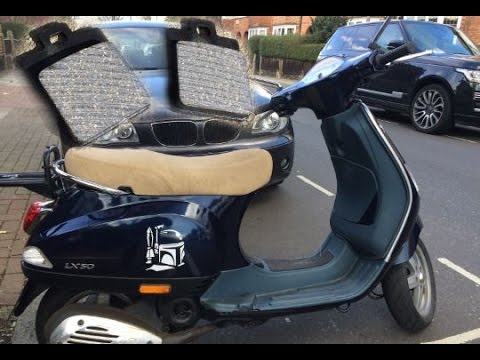
This guide will illustrate the instructions on how to remove and replace the front brake pads on the Piaggio Vespa 50 LX. First, place your scooter on the centre stand and start unscrewing the nuts securing the front wheel to remove it; then use pliers to remove the brake pad retaining clip, as shown in the video. At this point, remove the old pads, cleaning the caliper of dirt; press the caliper piston back to allow for the installation of the new pads (of excellent quality). Finally, reassemble the front wheel. by ScegliAuto More videos
|
|
For advertising on this site Write to info@scegliauto.com
ScegliAuto is not responsible for any inaccuracy of the data in the lists. To report any inaccuracy or your business (if you own the business in question), please write to info@scegliauto.com
Number of seconds to generate the page: 0.005
(c) ScegliAuto 2026 - info@scegliauto.com - Privacy policy VAT number: IT01247470535 |
