
|
Do it yourself
| |||
| ||||


|
Model: Honda Click 125
In this tutorial, we will see how to adjust the time on the Honda Click 125 scooter, a very simple and quick operation to perform, for example, after disconnecting the battery or after switching to daylight saving time. First, we insert the key, then we turn on the instrument panel and hold down both buttons on the dashboard until the clock starts flashing. Next, we press the right button to adjust the hour with the left button, and using the right button again, we move on to the minutes. Once we have also adjusted the minutes, we can save the setting by scrolling through the various options with the right button.
Posted on 13 December 2025 by ScegliAuto
Video tutorial
Related tutorials
Click 125
In this tutorial, you can see how to set the time on the Honda Click 125 scooter, a very simple and quick operation to perform, for example, after di…

Click 125
In this tutorial, you will see how to set the time on the Honda Click 125 scooter, a very simple and quick operation to perform, for example, after d…

Click 125
In this tutorial, you will see how to set the time on a Honda Click 125 scooter, a very simple and quick operation to perform, for example, after dis…
|
How to Change the Engine Oil in the Harley-Davidson Iron 883?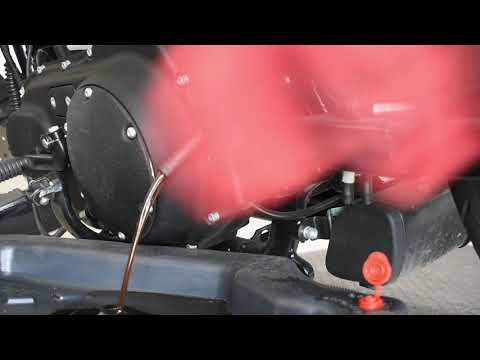
In this tutorial, you will learn how to change the engine oil in the Harley-Davidson Iron 883, a very simple and quick operation to perform every 12 months. First, wait for the engine to cool down, then open the filler cap located on the upper right side, disconnect the drain hose, and remove the plug by loosening the corresponding metal clamp. Once all the oil has drained from the system, replace the plug and proceed with changing the filter, which is located on the front of the engine. Finally, add new oil through the filler hole. by ScegliAuto More videos
|
|
For advertising on this site Write to info@scegliauto.com
ScegliAuto is not responsible for any inaccuracy of the data in the lists. To report any inaccuracy or your business (if you own the business in question), please write to info@scegliauto.com
Number of seconds to generate the page: 0.007
(c) ScegliAuto 2026 - info@scegliauto.com - Privacy policy VAT number: IT01247470535 |
