
|
Do it yourself
| |||
| ||||



How to Reset the Tyre Pressure Warning Light on a Honda Civic
Model: Honda Civic
MK 8
- Years:
2006, 2007, 2008, 2009, 2010, 2011, 2012
Video tutorial
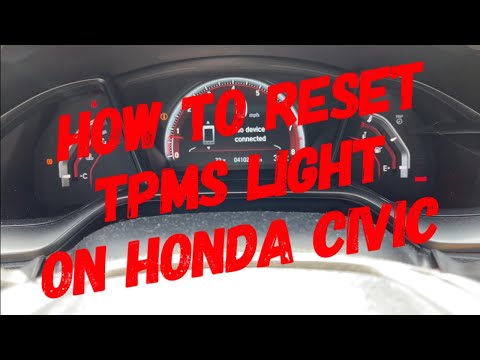
In this video, we will see how to identify a TPMS sensor that is not functioning properly: if the tyre pressure warning light is on but the tyres are inflated, there is likely an issue with one of the sensors, causing the value of one of the wheels not to appear on the display. Therefore, perform a manual check with a gauge; if the pressure is fine, you may have found the culprit, but try driving for 10 minutes. If the system does not update, then the sensor definitely needs replacing, as the battery cannot be changed; if you have recently had work done on the tyres, perhaps the tyre fitter did not reposition the sensor correctly. Remember that if it is a dead battery, it is advisable to change the other three as well; the sensors are activated together at the factory, so they will deplete in close succession.
Posted on 17 February 2026 by ScegliAuto
Related tutorials
Honda Civic
(2012-2015 /
MK 9)
Below we will discover information on how to reset the tire pressure warning light of the Honda Civic; before calibrating the TPMS sensors, it is nec…

Honda Civic
(2022-2026 /
FL, FE, MK 11)
Let's see the instructions on how to reset the tire pressure warning light of the Honda Civic. Before performing the recalibration of the TPMS sensor…
Honda Civic
(2016-2021 /
MK 10)
Resetting the tyre pressure light on the Honda Civic is very simple, and now you will see how to do it. First, turn on the ignition and use the touch…
ScegliAuto offers an extensive international collection of automotive tutorials available in 12 languages. Each guide combines instructional videos with original explanations written by experienced human editors, along with information about the car models covered.
Other guides you may be interested in
|
Resetting the Service Light on the Mitsubishi Canter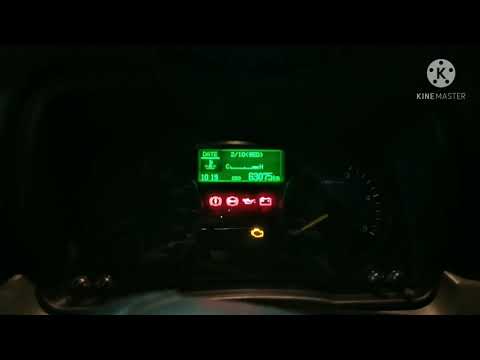
When it is necessary to change the engine oil of the Mitsubishi Canter, a warning on the dashboard alerts us to this requirement. Once this maintenance task is completed, you must reset the control system. Sit in the driver's seat and turn on the instrument panel. Without starting the engine, press and hold the accelerator pedal for twenty seconds. After this time interval, while still holding the accelerator pedal, pump the brake pedal six times. Once done, the warning on the instrument panel will turn off, confirming the reset. by ScegliAuto More videos
|
|
For advertising on this site Write to info@scegliauto.com
ScegliAuto is not responsible for any inaccuracy of the data in the lists. To report any inaccuracy or your business (if you own the business in question), please write to info@scegliauto.com
Number of seconds to generate the page: 0.060
(c) ScegliAuto 2026 - info@scegliauto.com - Privacy policy - About us VAT number: IT01247470535 |
