
|
Do it yourself
| |||
| ||||


How to Remove the Rear Fender on a Honda Ridgeline?
Model: Honda Ridgeline
MK 2
- Years 2016-2024
To remove the rear fender on a Honda Ridgeline, detach the trim located at the top of the fender along its entire length. Once this is removed, you can pull the corresponding taillight out of its housing to access the screws inside. After loosening these screws, also remove those located in the corresponding wheel well and at the top of the fender. The fender can now be removed and replaced with a new part.
Updated on 18 May 2026 by ScegliAuto
Video tutorial
Related tutorials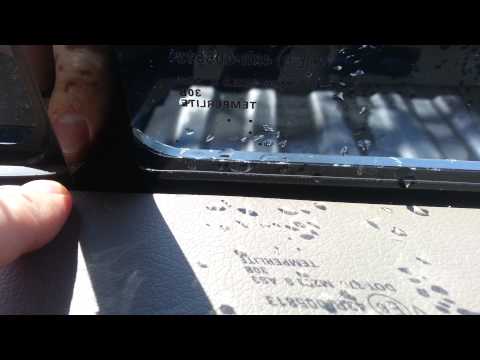
Honda Ridgeline
(2016-2024 /
MK 2)
On this Honda Ridgeline, the rear glass panel - which is also the rear window of the pickup - is broken. At the top of the window track, there is a b…
Honda Ridgeline
(2005-2014 /
MK 1)
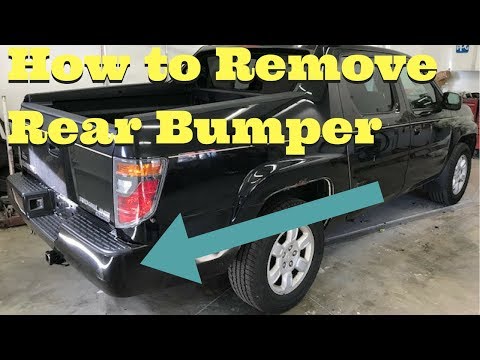
This guide provides the instructions needed to remove and replace the rear bumper of the Honda Ridgeline. First, move to the rear and start by removi…

Honda Ridgeline
(2016-2024 /
MK 2)
If there was a stereotype, it was that Americans loved chrome finishes. However, we can say this is not true, as videos of Americans wanting to chang…
Other guides you may be interested in
|
How to Open the Bonnet on the Lancia Y
To open the bonnet on this vehicle, follow these simple instructions: first, open the driver's door and locate the lever positioned just below the dashboard, marked with an image of the vehicle with the bonnet open. Pull this lever towards you until you hear a "click" indicating the bonnet is released. Next, exit the cabin and stand in front of the bonnet to disengage the safety catch and complete the opening. To do this, slightly lift the bonnet, locate the yellow lever underneath, and pull it to the left to fully release and open the bonnet. by ScegliAuto More videos
|
|
For advertising on this site Write to info@scegliauto.com
ScegliAuto is not responsible for any inaccuracy of the data in the lists. To report any inaccuracy or your business (if you own the business in question), please write to info@scegliauto.com
Number of seconds to generate the page: 0.082
(c) ScegliAuto 2026 - info@scegliauto.com - Privacy policy VAT number: IT01247470535 |
