
|
Do it yourself
| |||
| ||||


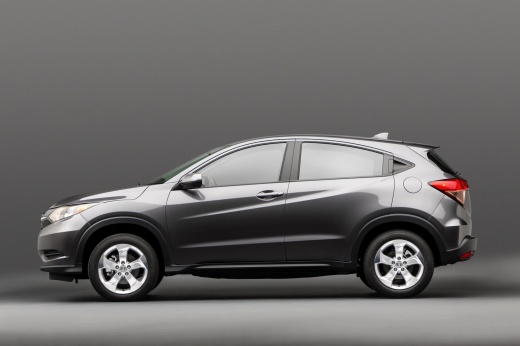
How to Reset the Oil Light on a 2019 Honda HR-V
Model: Honda Hr V
RU, MK 2
- Years:
2016, 2017, 2018, 2019, 2020, 2021, 2022
Video tutorial
To manually reset the oil light on the instrument cluster of your 2019 Honda HR-V, follow these steps. First, get inside the vehicle and sit in the driver's seat. Ensure the ignition is off and press the button located above the fuel gauge. At the same time, insert the key and turn on the ignition. Wait a few seconds and release the button as soon as the oil light turns off. You can now turn off the ignition or start driving.
Updated on 28 July 2026 by ScegliAuto
Related tutorials
Honda Hr V
(2021-2026 /
RV5, RV3, RV4, RV6)
To reset the service light on the Honda HR-V 2026, turn on the ignition, press the "Home" button located on the control panel to the left of the stee…

Honda Hr V
(2021-2026 /
RV5, RV3, RV4, RV6)
Through this video, learn how to reset the engine oil change light on the latest version of the Honda HR-V. The first step is to start the vehicle an…
Honda Hr V
(2016-2022 /
RU, MK 2)
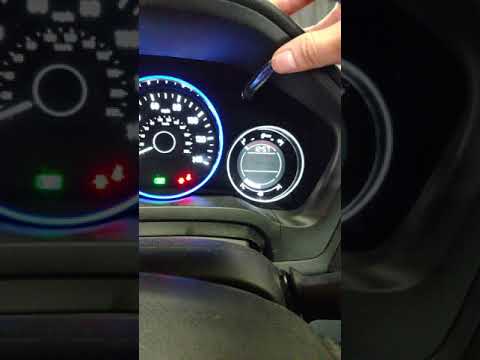
In today's tutorial video, we will show you how to reset the service light, which indicates the remaining life of the engine oil, on a second-generat…
Other guides you may be interested in
|
How to unlock the radio of the Iveco Daily
When an Iveco Daily displays the radio error message or prompts to enter the radio code, it means you need to enter the unlock code to resume using the radio. This situation occurs after replacing or disconnecting the vehicle's battery. Enter the unlock code, which can be found in the vehicle's user manual or calculated through the "radio code" website. Input the code using the numeric buttons and then confirm by pressing the OK button. Once this is done, turn off and then turn on the ignition. by ScegliAuto More videos
|
|
For advertising on this site Write to info@scegliauto.com
ScegliAuto is not responsible for any inaccuracy of the data in the lists. To report any inaccuracy or your business (if you own the business in question), please write to info@scegliauto.com
Number of seconds to generate the page: 0.106
(c) ScegliAuto 2026 - info@scegliauto.com - Privacy policy VAT number: IT01247470535 |
