
|
Do it yourself
| |||
| ||||


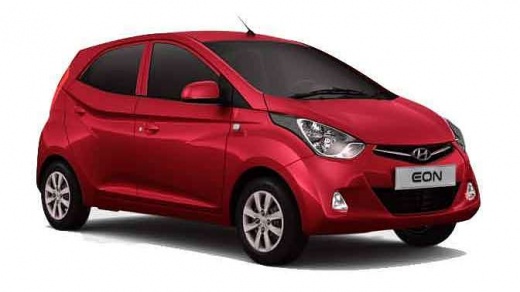
How to replace the battery in the Hyundai Eon
Model: Hyundai eON
MK 1
- Years:
2011, 2012, 2013, 2014, 2015, 2016, 2017, 2018, 2019
Video tutorial
In this video tutorial, follow the steps to remove and replace the battery in the Hyundai Eon. First, open the hood of your car and start disconnecting both battery terminals; to do this, unscrew the nuts from the positive and negative terminals, as shown in the video. Next, unscrew the battery bracket mounting screw located at the bottom; then replace the battery with a new one of the correct type and with the same amperage as the original, applying the reverse procedure!
Updated on 24 May 2026 by ScegliAuto
Related tutorials
Hyundai eON
(2011-2019 /
MK 1)
As we can see in this tutorial, replacing the battery in the Hyundai Eon key fob is a very simple and quick task. To do this, you will only need a re…

Hyundai eON
(2011-2019 /
MK 1)
Discover in this short and simple guide how to remove and replace the front wipers on the Hyundai Eon. First, move to the front and lift the wiper ar…
Hyundai eON
(2011-2019 /
MK 1)
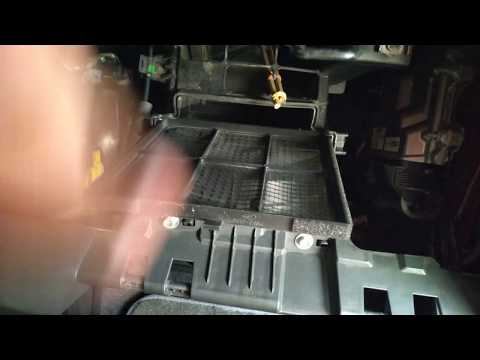
As shown in this tutorial, replacing the cabin air filter in the Hyundai Eon is a very simple and quick task. Start by opening the glove compartment,…
Other guides you may be interested in |
How to Open the Fuel Flap on a Volkswagen Tiguan?
To open the fuel flap on a Volkswagen Tiguan, first unlock the car using the appropriate button on the remote. This will open the car and unlock the mechanism that controls the fuel flap. At this point, apply light pressure to the left side of the flap to open it and access the cap underneath. Once this is unscrewed, you can refuel and then close everything. by ScegliAuto More videos
|
|
For advertising on this site Write to info@scegliauto.com
ScegliAuto is not responsible for any inaccuracy of the data in the lists. To report any inaccuracy or your business (if you own the business in question), please write to info@scegliauto.com
Number of seconds to generate the page: 0.056
(c) ScegliAuto 2026 - info@scegliauto.com - Privacy policy VAT number: IT01247470535 |
