
|
Do it yourself
| |||
| ||||


Where to Find the Colour Code on a Hyundai ix35
Model: Hyundai ix35
MK 1
- Years 2009-2015
In this video, we will cover an important aspect to know, especially if you need to do some touch-ups on your Hyundai ix35: where to find the body colour code. Open the driver's door to find two metal plates: one white displaying the tyre pressures in bar and psi for both front and rear tyres at full load and normal load - useful information to keep in mind - and a darker one that shows the full chassis number (note that this is not the legal chassis number, but rather the factory output plate of the vehicle, indicating the production plant, axle weights, and the body colour code (paint) which in this case is U8N, and the interior colour code (trim) which is 9P.
Updated on 30 July 2026 by ScegliAuto
Video tutorial
Related tutorials
Hyundai ix35
(2009-2015 /
MK 1)
The fuse boxes of the Hyundai IX35 serve to contain the fuses that regulate the operation of the devices installed on the vehicle: in this type of ve…

Hyundai ix35
(2009-2015 /
MK 1)
Resetting the tyre light on your Hyundai IX35 is very simple, and the procedure to carry out the operation is truly within anyone's reach. Let's find…
Hyundai ix35
(2009-2015 /
MK 1)
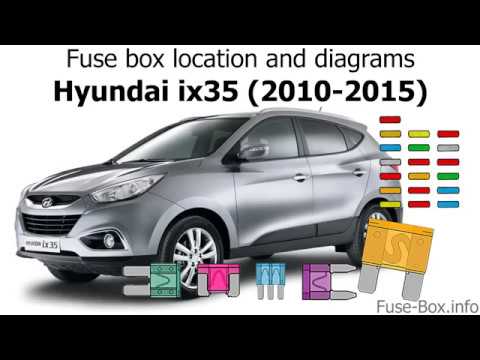
This guide will explain how to locate the fuse box for the Hyundai IX35, along with the associated diagram. The fuse box can be accessed from two dif…
Other guides you may be interested in
|
Frequently Asked QuestionsHow to Reset the Central Locking of the Volkswagen Golf 4?
If the central locking system of the Volkswagen Golf 4 is not working, it is likely necessary to reset the system: to do this, open the driver's door and detach the side panel of the dashboard next to the steering wheel. Under this panel, you will find the fuses, including the one for the central locking, which is indicated in the manual as number 14. To reset the system, remove this fuse from its housing, then reinsert it or replace it with a new one of the same amperage: this will reset the central locking system. by ScegliAuto More videos
|

|
For advertising on this site Write to info@scegliauto.com
ScegliAuto is not responsible for any inaccuracy of the data in the lists. To report any inaccuracy or your business (if you own the business in question), please write to info@scegliauto.com
Number of seconds to generate the page: 0.066
(c) ScegliAuto 2026 - info@scegliauto.com - Privacy policy VAT number: IT01247470535 |
