
|
Do it yourself
| |||
| ||||


How to Replace the Key Battery of the 2009 Hyundai Genesis
Model: Hyundai Genesis
BH
- Years:
2008, 2009, 2010, 2011, 2012, 2013, 2014, 2015, 2016
Video tutorial
In this mini guide for all you owners of a 2009 Hyundai Genesis, discover the steps to replace the car key battery yourself. First, pull the metal part of the cover towards you to easily remove the physical emergency key. Next, use the same key to open the cover and locate the exhausted battery. At this point, remove the old battery and insert the new one (model CR2032). Finally, reassemble the cover and reinsert the emergency key.
Updated on 31 July 2026 by ScegliAuto
Related tutorials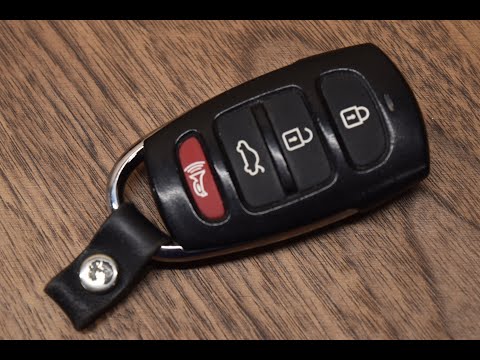
Hyundai Genesis
(2008-2016 /
BH)
All you need to replace the button battery inside your Hyundai Genesis key is a simple flathead screwdriver. Let's see how to do it. First, use the s…

Hyundai Genesis
(2008-2016 /
BH)
If you intend to replace the battery in the remote key, follow the steps outlined below. First, remove the emergency key and use a screwdriver to pry…
Hyundai Genesis
(2008-2016 /
BH)
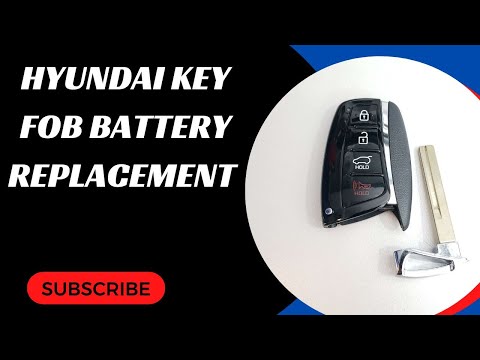
In this mini guide for your Hyundai Genesis, discover how to change the key battery. This operation is quite simple and accessible to everyone, so do…
ScegliAuto offers an extensive international collection of automotive tutorials available in 12 languages. Each guide combines instructional videos with original explanations written by experienced human editors, along with information about the car models covered.
Other guides you may be interested in
|
How to open the seat on a Piaggio Vespa
This video shows how to open the seat on any Piaggio Vespa model without the key. If you have left the key inside the storage compartment, you will need a piece of metal wire. Feed the wire under the side of the seat, close to the lock, and curve it out on the other side. Take both ends of the wire and pull them towards you until the wire releases the simple seat lock. Lift the seat to retrieve the key from the storage compartment. by ScegliAuto More videos
|
|
For advertising on this site Write to info@scegliauto.com
ScegliAuto is not responsible for any inaccuracy of the data in the lists. To report any inaccuracy or your business (if you own the business in question), please write to info@scegliauto.com
Number of seconds to generate the page: 0.108
(c) ScegliAuto 2026 - info@scegliauto.com - Privacy policy - About us VAT number: IT01247470535 |
