
|
Do it yourself
| |||
| ||||


How to Open the Hyundai Genesis Door if the Key Doesn't Work
Model: Hyundai Genesis
BH
- Years 2008-2016
If the smart key of your Hyundai Genesis is not working and you do not know how to open the car door, read this guide carefully and follow the steps described. First, position yourself in front of the door handle and locate the slot at the bottom. Insert the key into the slot and apply a slight push to remove the plastic present. At this point, you will have access to the security lock, and to open the door, simply insert the key into it.
Updated on 5 August 2026 by ScegliAuto
Video tutorial
Related tutorials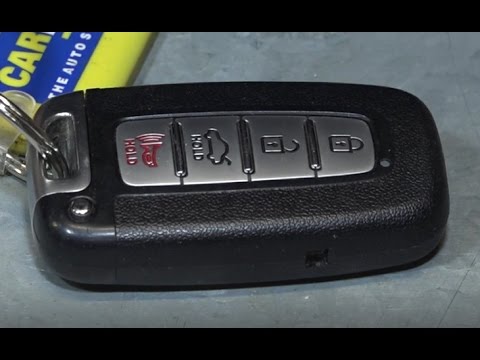
Hyundai Genesis
(2008-2016 /
BH)
In this mini guide for all you owners of a 2009 Hyundai Genesis, discover the steps to replace the car key battery yourself. First, pull the metal pa…
Hyundai Genesis
(2008-2016 /
BH)
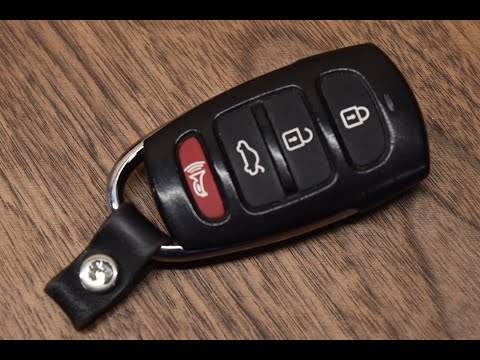
All you need to replace the button battery inside your Hyundai Genesis key is a simple flathead screwdriver. Let's see how to do it. First, use the s…

Hyundai Genesis
(2008-2016 /
BH)
If it's time to replace the air filter on your Hyundai Genesis but you don't know how, don't worry because this guide provides all the useful informa…
Other guides you may be interested in
|
How to reset the tyre pressure warning light on a Hyundai Tucson
Below are the instructions to reset the tyre pressure warning light (TPMS) on a Hyundai Tucson. First, get into the vehicle and turn on the instrument cluster; then navigate to the vehicle settings until you reach the tyre pressure monitor, identifying the tyre with incorrect pressure. At this point, restore all tyre pressures according to the specifications indicated on the label; this will reset the TPMS and the warning light will be cleared from the instrument cluster! by ScegliAuto More videos
|
|
For advertising on this site Write to info@scegliauto.com
ScegliAuto is not responsible for any inaccuracy of the data in the lists. To report any inaccuracy or your business (if you own the business in question), please write to info@scegliauto.com
Number of seconds to generate the page: 0.317
(c) ScegliAuto 2026 - info@scegliauto.com - Privacy policy VAT number: IT01247470535 |
