
|
Do it yourself
| |||
| ||||


Infiniti QX60 - Headlight bulbHeadlight Bulb Infiniti QX60 (2013-2020 / l 50) Infiniti QX60 (2013-2020 / L50)
Replacement of the front headlight bulb of the Infiniti QX60 Today's instructions will allow us to disassemble and replace the headlight bulb of the Infiniti QX60. In order to remove the xenon bulb, it will be necessary …Read all… Posted on 22 August 2025 by ScegliAuto  Infiniti QX60 (2013-2020 / L50)
Replacement of the front headlight bulb of the Infiniti QX60 Today's main steps will show us how to disassemble and replace the headlight bulb of the Infiniti QX60. First, let's move to the side and remove the wheel well …Read all… Posted on 15 October 2024 by ScegliAuto 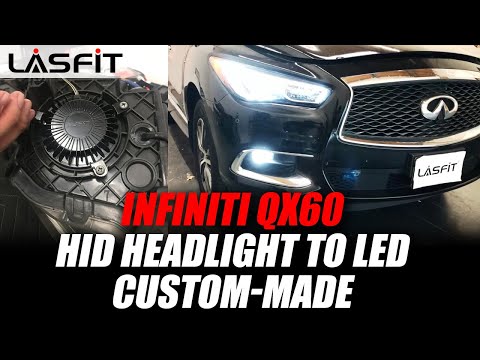 Infiniti QX60 (2013-2020 / L50)
How to Replace the Headlight Bulb on an Infiniti QX60 In this short and simple guide, you will learn how to remove and replace the headlight bulb on an Infiniti QX60. First, open the hood of your vehicle and start …Read all… Posted on 23 September 2026 by ScegliAuto 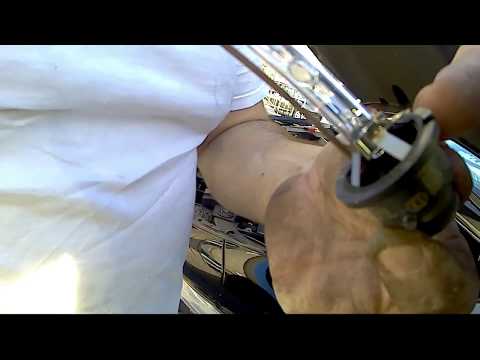 Infiniti QX60 (2013-2020 / L50)
How to Replace the Front Headlight Bulb of the Infiniti QX60? To replace the front headlight bulb of the Infiniti QX60, open the hood to access the components at the back of the headlight. There will be a circular …Read all… Posted on 23 July 2026 by ScegliAuto Key (6) Air filter (2) Cabin air filter (7) Accessory kit (1) Headlight bulb (4) Interior dome light bulb (1) Fuse box (1) Side mirror (3) Warning light – error code (1) (1) Service warning light (1) Fuel cap (1) |
How to Activate Bluetooth on the BMW 1 Series?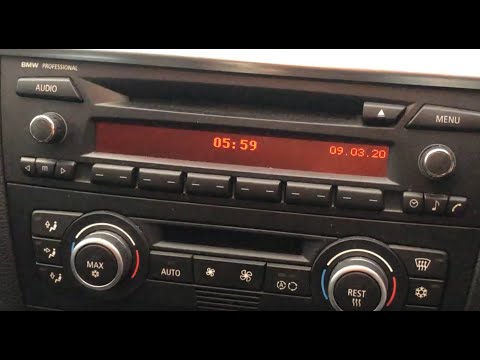
To activate Bluetooth on the BMW 1 Series, turn on the ignition so you can press the MENU button on the central control panel. This will allow you to select the "TEL" option to make the device visible. Then, connect to the radio using your mobile phone, selecting the device called "BMW" followed by a five-digit code. This code must be entered using the radio controls, confirming with OK. After entering and confirming, you will notice that the pairing between the devices has occurred. by ScegliAuto More videos
|
|
For advertising on this site Write to info@scegliauto.com
ScegliAuto is not responsible for any inaccuracy of the data in the lists. To report any inaccuracy or your business (if you own the business in question), please write to info@scegliauto.com
Number of seconds to generate the page: 0.008
(c) ScegliAuto 2026 - info@scegliauto.com - Privacy policy VAT number: IT01247470535 |
