
|
Do it yourself
| |||
| ||||


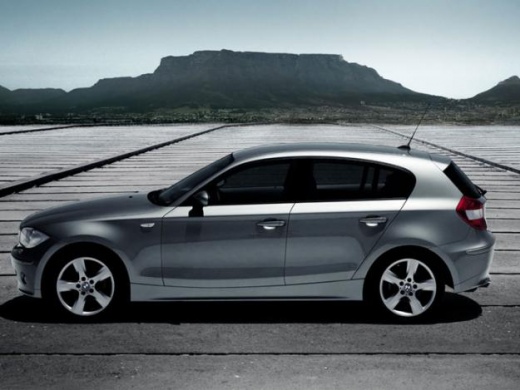
How to Activate Bluetooth on the BMW 1 Series?
Model: BMW Serie 1
E82, MK 1, E87, E81
- Years:
2004, 2005, 2006, 2007, 2008, 2009, 2010, 2011, 2012, 2013
Video tutorial
To activate Bluetooth on the BMW 1 Series, turn on the ignition so you can press the MENU button on the central control panel. This will allow you to select the "TEL" option to make the device visible. Then, connect to the radio using your mobile phone, selecting the device called "BMW" followed by a five-digit code. This code must be entered using the radio controls, confirming with OK. After entering and confirming, you will notice that the pairing between the devices has occurred.
Updated on 14 July 2026 by ScegliAuto
Related tutorials
BMW Serie 1
(2004-2013 /
E82, MK 1, E87, E81)
To pair your phone with the Bluetooth of a BMW 1 Series E82, follow these simple steps. First, turn on the car and the infotainment system, then go t…

BMW Serie 1
(2004-2013 /
E82, MK 1, E87, E81)
Connecting your mobile phone's Bluetooth to the BMW 1 Series model E87 is a simple and quick operation you can do yourself. First, turn on the igniti…
BMW Serie 1
(2011-2019 /
F21, F20, MK 2)
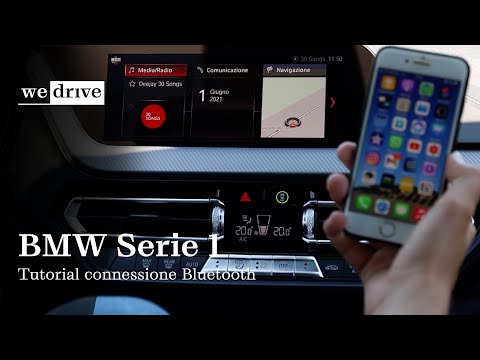
In this video, see how to connect a smartphone to a BMW 1 Series: the first step is to activate Bluetooth on your device. Now navigate to the car's i…
Other guides you may be interested in |
Frequently Asked QuestionsWhere is the Engine Fan Fuse Located in a Citroen C3?
The Citroen C3 contains two fuse boxes. The first fuse box is located inside the cabin behind the passenger side glove compartment. The second fuse box is under the bonnet near the battery. The fuse for the engine fan is located in the second fuse box and is labelled F8, rated at 25 Amperes. To replace the fuse, open the fuse box cover, remove the fuse with pliers, and insert a new fuse of the same amperage. Close the fuse box and the bonnet. by ScegliAuto More videos
|
|
For advertising on this site Write to info@scegliauto.com
ScegliAuto is not responsible for any inaccuracy of the data in the lists. To report any inaccuracy or your business (if you own the business in question), please write to info@scegliauto.com
Number of seconds to generate the page: 0.009
(c) ScegliAuto 2026 - info@scegliauto.com - Privacy policy VAT number: IT01247470535 |
