
|
Do it yourself
| |||
| ||||


|
Model: Kawasaki Ninja 650
In this tutorial, you will see how to set the time on a Kawasaki Ninja 650R, a very simple and quick operation, for example, after disconnecting the battery or when switching to daylight saving time. First, insert the key, then turn on the instrument panel and, using the "MODE" button, navigate to the "ODO" odometer. Next, press and hold the "RESET" button until the clock starts to flash, adjust the hour using the "MODE" button, and switch to minutes again using the "RESET" button. To save the setting, simply restart the instrument panel.
Posted on 2 April 2026 by ScegliAuto
Video tutorial
Related tutorials
Ninja 650
To replace the clutch cable on the Kawasaki Ninja 650R, you need to remove the side fairing covering the cable by unscrewing the relevant bolt. To fr…

Ninja 650
In this tutorial, we will see how to replace the front headlight bulbs on the Kawasaki Ninja 650R, a very simple and quick operation. First, ensure t…
Ninja 650
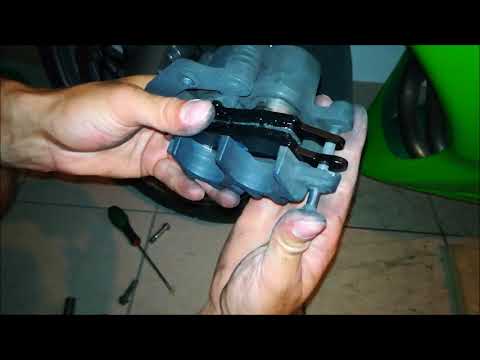
To replace the front brake pads on a Kawasaki Ninja 650R, loosen the screws that secure the brake caliper to the top of the corresponding disc. Once …
|
Setting the Time on a Yamaha Tracer 700
This brief tutorial shows how to adjust the time on the onboard computer of your Yamaha Tracer 700. Start by turning on the vehicle's ignition, then press the INFO button until you see ODO along with the total mileage. Next, press and hold the TRIP button until the hour display starts flashing, then press the TRIP button again to change the hour. After that, press the INFO button to switch to minutes and adjust them using the TRIP button. Finally, press the INFO button again to complete the operation. This tutorial also applies to the Yamaha MT-07. by ScegliAuto More videos
|
|
For advertising on this site Write to info@scegliauto.com
ScegliAuto is not responsible for any inaccuracy of the data in the lists. To report any inaccuracy or your business (if you own the business in question), please write to info@scegliauto.com
Number of seconds to generate the page: 0.006
(c) ScegliAuto 2026 - info@scegliauto.com - Privacy policy VAT number: IT01247470535 |
