
|
Do it yourself
| |||
| ||||


How to Set the Time on the Kawasaki KLR 650?
Model: Kawasaki Klr 650
Video tutorial
In this tutorial, you will see how to set the time on the Kawasaki KLR 650, a very simple and quick operation to perform, for example, after disconnecting the battery or after the switch to daylight saving time. First, insert the key, then turn on the instrument cluster and hold the right button on the dashboard until the clock starts flashing. Next, press the button again, adjust the hour with the left button, and use the right button to switch to minutes. Once the minutes are set, save the setting by pressing the right button first and then the left.
Posted on 15 November 2026 by ScegliAuto
Related tutorials
Klr 650
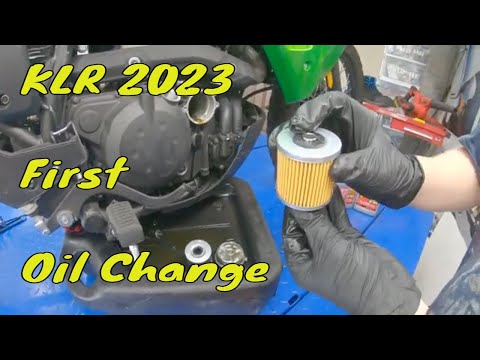
Let’s look at the instructions for changing the engine oil and oil filter during the regular maintenance service on a Kawasaki KLR 650. First, place …
Klr 650
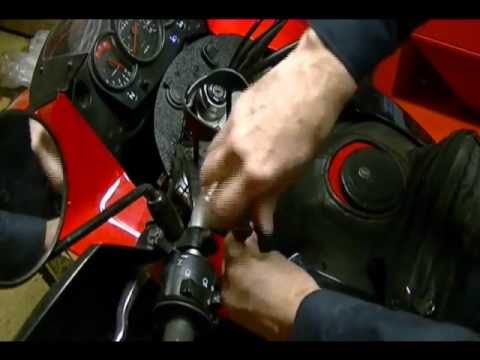
In this tutorial, see how to change the engine oil in the Kawasaki KLR 650, a very simple and quick operation. First, wait for the engine to cool dow…
Klr 650
In this tutorial, you will see how to replace the headlight bulbs on the Kawasaki KLR 650, a very simple and quick operation. First, ensure that the …
ScegliAuto offers an extensive international collection of automotive tutorials available in 12 languages. Each guide combines instructional videos with original explanations written by experienced human editors, along with information about the car models covered.
|
How to Set the Time on the Kawasaki KLR 650?
In this tutorial, you will see how to set the time on the Kawasaki KLR 650, a very simple and quick operation to perform, for example, after disconnecting the battery or after the switch to daylight saving time. First, insert the key, then turn on the instrument cluster and hold the right button on the dashboard until the clock starts flashing. Next, press the button again, adjust the hour with the left button, and use the right button to switch to minutes. Once the minutes are set, save the setting by pressing the right button first and then the left. by ScegliAuto More videos
|
|
For advertising on this site Write to info@scegliauto.com
ScegliAuto is not responsible for any inaccuracy of the data in the lists. To report any inaccuracy or your business (if you own the business in question), please write to info@scegliauto.com
Number of seconds to generate the page: 0.007
(c) ScegliAuto 2026 - info@scegliauto.com - Privacy policy - About us VAT number: IT01247470535 |
