
|
Do it yourself
| |||
| ||||


|
Model: Kawasaki Ninja 250
To replace the battery on the Kawasaki Ninja 250, loosen the screws located on the sides of the seat and remove the seat. Once the seat is removed, you will have access to the battery located underneath. Disconnect the battery from the terminals and remove the bolts securing it in place. Now, the battery can be pulled out of its housing and replaced with a new spare part. After the replacement, reinstall the seat and secure it with the corresponding bolts.
Updated on 26 April 2026 by ScegliAuto
Video tutorial
Related tutorials
Ninja 250
In this tutorial we can see how to replace the battery in the Kawasaki Ninja 250, an extremely simple and quick operation. First of all, make sure th…
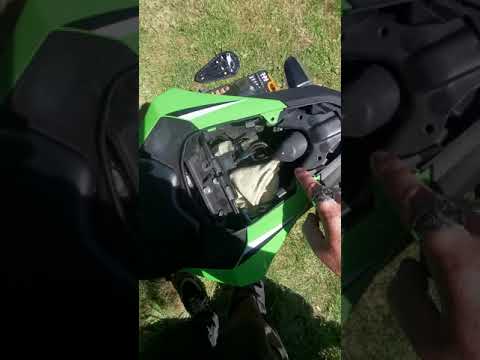
Ninja 250
In this tutorial, you will learn how to replace the battery in a Kawasaki Ninja 250, a very simple and quick operation. First, ensure that the key is…
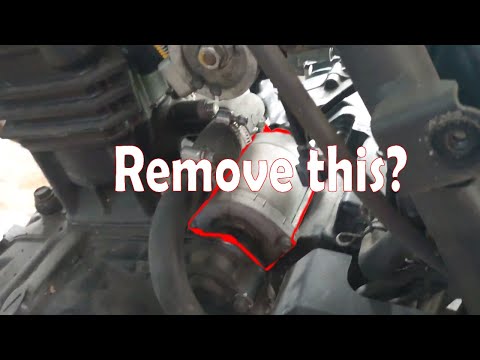
Ninja 250
In this tutorial, you will see how to remove the starter motor on a Kawasaki Ninja 250, a very simple and quick operation. Before proceeding, ensure …
|
How to Replace the Rear Indicator Bulb on the Sym Mio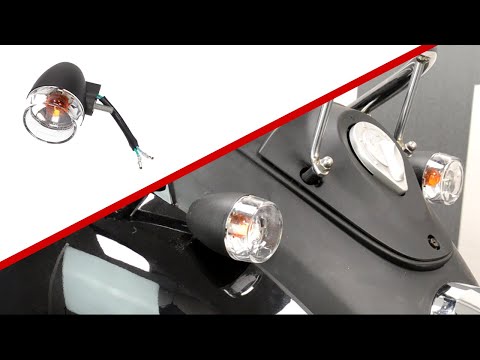
To replace the rear indicator bulb on the Sym Mio, you need to loosen the screws that secure the rear fairing of the motorcycle: to do this, you will also need to open the under-seat compartment and loosen the screws that secure the fairing from the inside. Once it is released, you can completely detach it and disconnect the connector attached to the corresponding bulb. The bulb can now be extracted from its housing, allowing you to insert the new one: this way, you can reassemble all the removed parts to ensure everything works correctly. by ScegliAuto More videos
|
|
For advertising on this site Write to info@scegliauto.com
ScegliAuto is not responsible for any inaccuracy of the data in the lists. To report any inaccuracy or your business (if you own the business in question), please write to info@scegliauto.com
Number of seconds to generate the page: 0.013
(c) ScegliAuto 2026 - info@scegliauto.com - Privacy policy VAT number: IT01247470535 |
