
|
Do it yourself
| |||
| ||||


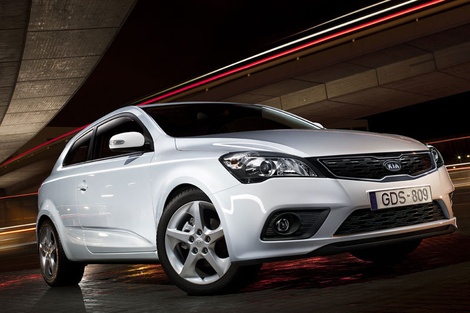
How to Clear the Service Light on a 2009 Kia Ceed?
Model: Kia Cee D
- Years:
2006, 2007, 2008, 2009, 2010, 2011, 2012
Video tutorial
Are you interested in doing the service on your 2009 Kia Ceed yourself but don’t know how to turn off the active warning light on the dashboard? No problem, the solution is available here. In the video, we find support regarding this matter, and assuming that the reset mentioned should only occur after performing all necessary work, here’s what to do: turn on the dashboard, use the right arrow buttons on the steering wheel to select the Service option in the on-board computer. While pressing the first button from the bottom of the same cluster for a few seconds, you will authorise the reset.
Posted on 11 November 2026 by ScegliAuto
Related tutorials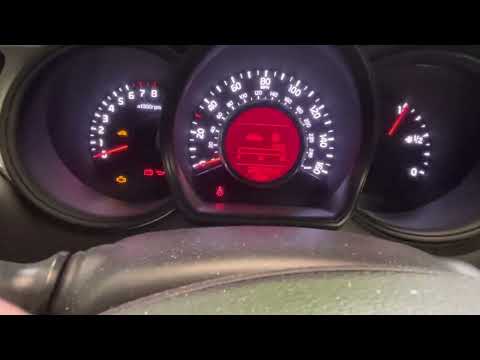
Kia Cee D
(2012-2018 /
JD, MK 2)
In this new guide dedicated to your Kia Ceed (2012-2018), you will learn a very simple and quick method to manually reset the service light. First, i…

Kia Cee D
(2006-2012 /
MK 1)
In this video, learn how to reset the maintenance service indicator on a Kia Ceed. This is a very simple operation; enter the vehicle, turn on the ig…

Kia Cee D
(2006-2012 /
MK 1)
To reset the service light in a Kia Ceed, insert the key and turn the ignition to the ON position without starting the engine. Use the control button…
Other guides you may be interested in
|
Fuses Placement and Diagram for the Mercedes Vito
Check the diagram and placement of the fuse boxes for the Mercedes Vito by following the instructions below. First, open the bonnet and locate the external fuse box; you will find it by removing the plastic cover situated at the top of the engine compartment, as shown in the video. At this point, find another fuse box in the cabin, specifically under the driver's seat; use the owner's manual to find the fuse diagram and replace any faulty fuse with a new one that has the same amperage rating. by ScegliAuto More videos
|
|
For advertising on this site Write to info@scegliauto.com
ScegliAuto is not responsible for any inaccuracy of the data in the lists. To report any inaccuracy or your business (if you own the business in question), please write to info@scegliauto.com
Number of seconds to generate the page: 0.052
(c) ScegliAuto 2026 - info@scegliauto.com - Privacy policy VAT number: IT01247470535 |
