
|
Do it yourself
| |||
| ||||


How to deactivate the internal alarm on the Kia Sportage MK5
Model: Kia Sportage
MK 5, NQ5
- Years 2021-2026
In this video we can see how it is possible to deactivate the internal alarm of the Kia Sportage MK5: we will need to act from the multimedia screen, so having the screen on the satellite navigation page, let's scroll until we reach the "Home" screen and select the icon "settings" at the bottom right. An additional page will open, where we will select the first icon at the top left, called "vehicle". On the left a scrolling menu will open: let's scroll until we reach "convenience". Let's select it and on the right the sub-menu will open among which voices, we will also find "advanced anti-theft system". Just uncheck it to deactivate it.
Posted on 28 June 2024 by ScegliAuto
Video tutorial
Related tutorials
Kia Sportage
(2021-2026 /
MK 5, NQ5)
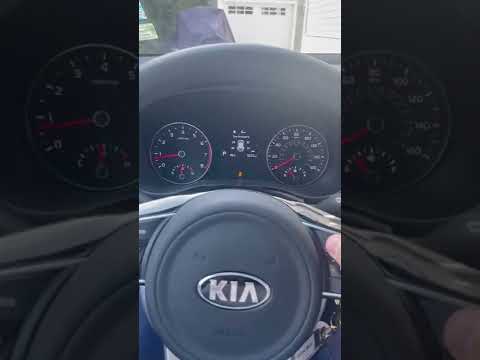
The Kia Sportage models produced from 2017 to 2023 have an issue related to the alarm system. The culprits of the continuous malfunction could be the…
Kia Sportage
(2016-2022 /
QL, MK 4)
In this video tutorial, you will see how to temporarily disable the traction control on the Kia Sportage; however, it is recommended never to disable…

Kia Sportage
(2021-2026 /
MK 5, NQ5)
In this guide dedicated to the new Kia Sportage Hybrid, discover where the fuse box containing all the fuses for your new Kia Sportage Hybrid is loca…
Other guides you may be interested in |
How to Repair the Key Spring of the Peugeot 207?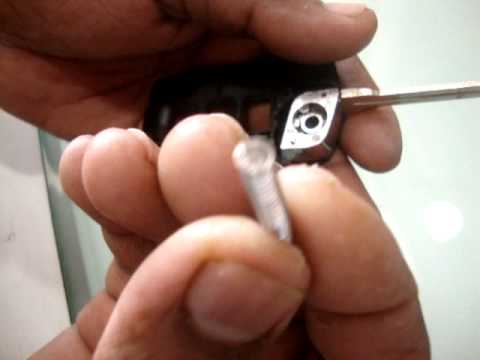
Over time, frequent use of the key's flip mechanism in the vehicle, dozens of times a day, inevitably leads to wear of the internal spring. As shown in this video, replacing the spring is quite simple and takes little time. After opening the casing halfway, first position the key, then the spring housing, and finally insert the spring into the previously mentioned housing. Close the casing by rotating it clockwise, ensuring all components fit perfectly, and test the key's flip mechanism. by ScegliAuto More videos
|
|
For advertising on this site Write to info@scegliauto.com
ScegliAuto is not responsible for any inaccuracy of the data in the lists. To report any inaccuracy or your business (if you own the business in question), please write to info@scegliauto.com
Number of seconds to generate the page: 0.107
(c) ScegliAuto 2026 - info@scegliauto.com - Privacy policy VAT number: IT01247470535 |
