
|
Do it yourself
| |||
| ||||


How to Replace the Front Brake Pads on a KTM EXC-300
Model: Ktm Exc 300
Video tutorial
To replace the front brake pads on a KTM EXC-300, remove the small clip that secures the pin holding the pads and caliper. Once the clip and pin are removed, you can extract the pads from the caliper to replace them with new spare parts. After inserting the new pads, secure them inside the caliper by inserting the pin and fastening everything with the clip. After installation, check that the brake functions correctly.
Updated on 7 May 2026 by ScegliAuto
Related tutorials
Exc 300
Watch this short video tutorial on how to replace the coolant or antifreeze on a KTM EXC 300 enduro bike. First, remove the radiator cap located to t…

Exc 300
In order to disassemble the engine of the KTM EXC 300, you need to loosen the screws that fix the piece to its housing in the central lower part of t…

Exc 300
To dismantle the engine of the KTM EXC 300, remove the engine block from its housing by unscrewing the bolts that secure it to the supports. Once the…
|
How to Replace the Clutch on a Yamaha YXZ 1000R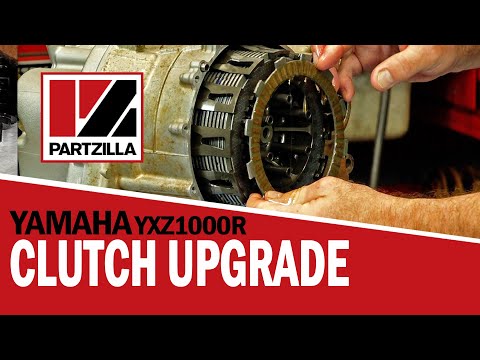
To replace the clutch on a Yamaha YXZ 1000R, loosen all the bolts securing the clutch side cover, located on the right side of the bike. Once the cover is removed, you will have access to the underlying components. The clutch discs can be completely removed by unscrewing the corresponding locking screws. This will allow you to insert the new clutch discs into their housing, cover everything with the side cover, and check that everything functions correctly. by ScegliAuto More videos
|
|
For advertising on this site Write to info@scegliauto.com
ScegliAuto is not responsible for any inaccuracy of the data in the lists. To report any inaccuracy or your business (if you own the business in question), please write to info@scegliauto.com
Number of seconds to generate the page: 0.025
(c) ScegliAuto 2026 - info@scegliauto.com - Privacy policy VAT number: IT01247470535 |
