
|
Do it yourself
| |||
| ||||


|
Model: Kymco Xtown 300
Below are the instructions to reset the engine fault light on the Kymco Xtown 300 scooter. First, open the seat and unscrew the screws securing the under-seat compartment to remove it; then connect your diagnostic tool, which you will use alongside your smartphone to reset the errors, as shown in the video. Now, turn off the instrument panel and restart the engine, checking that the warning light has reset on the instrument panel!
Updated on 20 August 2026 by ScegliAuto
Video tutorial
Related tutorials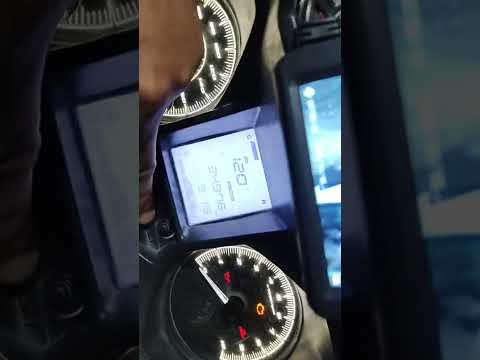
Xtown 300
Watch this short video tutorial on how to reset the maintenance light on a Kymco Xtown 300 scooter. First, turn on the ignition of your scooter witho…

Xtown 300
To replace the transmission on a Kymco XTown 300, loosen the screws securing the transmission cover located on the left side of the bike near the rea…
Xtown 300
This guide provides instructions to remove the rear wheel of the Kymco Xtown 300 scooter. First, place the scooter on its centre stand and begin by r…
|
How to Replace the Fuel Pump on the Yamaha Majesty 400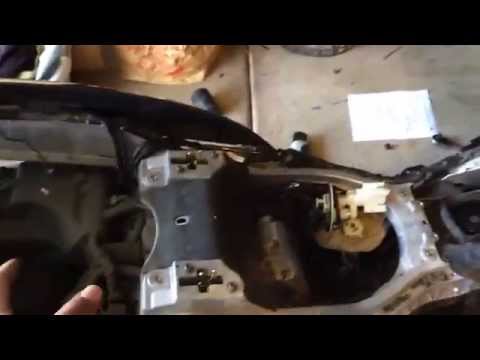
To replace the fuel pump on the Yamaha Majesty 400, you need to loosen the screws that secure the fuel tank to its housing: once this has been removed and disconnected from hoses and connectors, you will be able to locate the fuel pump underneath. The pump can be removed from its housing by unscrewing the screws that secure it in place, allowing you to slide it out and replace it with a new one: after inserting the new pump, you can then check that everything functions correctly. by ScegliAuto More videos
|
|
For advertising on this site Write to info@scegliauto.com
ScegliAuto is not responsible for any inaccuracy of the data in the lists. To report any inaccuracy or your business (if you own the business in question), please write to info@scegliauto.com
Number of seconds to generate the page: 0.015
(c) ScegliAuto 2026 - info@scegliauto.com - Privacy policy VAT number: IT01247470535 |
