
|
Do it yourself
| |||
| ||||


|
Model: Kymco Xtown 300
Watch this short video tutorial on how to reset the maintenance light on a Kymco Xtown 300 scooter. First, turn on the ignition of your scooter without starting the engine. Next, press the "mode" button, the first button on the left of the speedometer, and keep pressing it until the mileage since the last service appears on the display screen. Once you reach this screen, press and hold the "reset" button on the right of the speedometer for a few seconds to reset the service light.
Updated on 25 July 2026 by ScegliAuto
Video tutorial
Related tutorials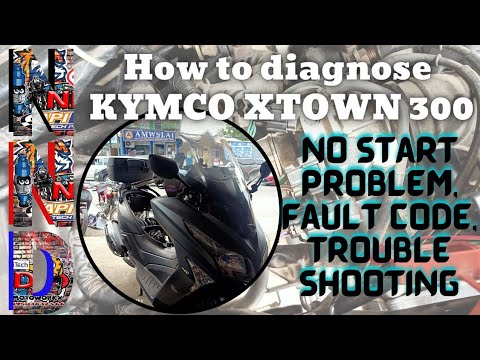
Xtown 300
Below are the instructions to reset the engine fault light on the Kymco Xtown 300 scooter. First, open the seat and unscrew the screws securing the u…

Xtown 300
It is possible to make the Service light indicated on the instrument panel of the Kymco Xtown 300 disappear completely by turning on the ignition wit…

Xtown 300
To replace the transmission on a Kymco XTown 300, loosen the screws securing the transmission cover located on the left side of the bike near the rea…
|
How to reset the oil service on the Yamaha XMAX 300 scooter?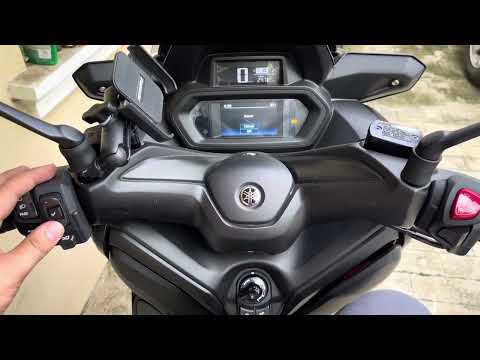
In this tutorial, you will see how to reset the oil service on the Yamaha XMAX 300 scooter, a very simple and quick operation. Before proceeding, ensure you have completed the required scheduled maintenance work. Start by inserting the key and turning on the instrument panel, then navigate to the general menu and go to the settings section. Next, enter "Information/reset", then "Maintenance reset", and select "Oil". At this point, simply confirm the reset, restart the panel, and check that the operation was successful. by ScegliAuto More videos
|
|
For advertising on this site Write to info@scegliauto.com
ScegliAuto is not responsible for any inaccuracy of the data in the lists. To report any inaccuracy or your business (if you own the business in question), please write to info@scegliauto.com
Number of seconds to generate the page: 0.010
(c) ScegliAuto 2026 - info@scegliauto.com - Privacy policy VAT number: IT01247470535 |
