
|
Do it yourself
| |||
| ||||


How to set up a multitasking bar for the LEVC Tx.
Model: LEVC Tx
MK 1
- Years 2017-2024
A suggestion given by a London taxi driver for your LEVC Tx should be listened to. If, like him, you have multiple phones and want to keep them all within reach, perhaps one for hands-free calling, one for navigation, and one for backup, then it's worth setting up the bar he suggests to place all three. A simple plastic or aluminum bar will do. The installation requires a bit of ingenuity. In practice, you will need to remove the housing of a couple of unused buttons and use them to ensure that the phone holder fits perfectly with the dashboard without interfering with the air conditioning or radio. There should be some clamps or compartments on the front for your phones. Phone cases themselves may also work well, so they fit perfectly and don't fall off their holder.
Posted on 1 April 2023 by ScegliAuto
Video tutorial
Related tutorials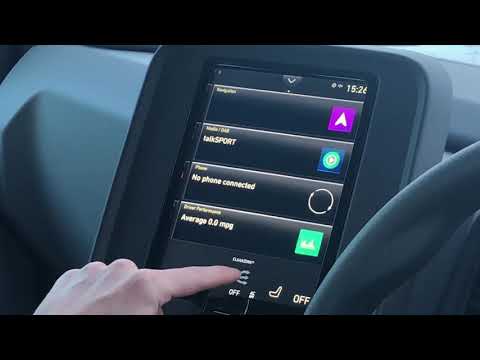
LEVC Tx
(2017-2024 /
MK 1)
In order to set the preconditioning of the Levc TX while it is connected to a charging column, it will be necessary to use the display located in the…

LEVC Tx
(2017-2024 /
MK 1)
Let's see in this guide the functions and how to use the control panel of the Levc TX, following the instructions below. First of all we get on board…
LEVC Tx
(2017-2024 /
MK 1)
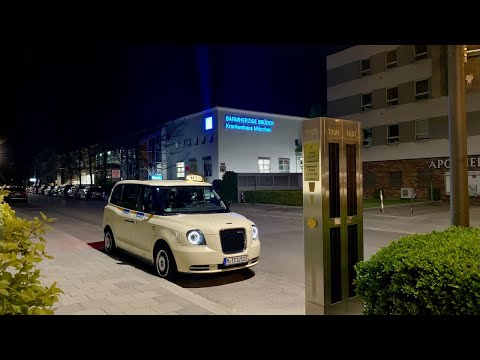
The iconic English Taxi LEVC offers a kit to seal the divider screen. The kit is free and the LEVC dealer will install it for free, but our youtuber …
Other guides you may be interested in
|
How to Open the Door with a Key on a Fiat 500x
Open the door of your car if the remote key battery is flat. Here’s how to intervene on a Fiat 500x: take your remote and press the button to release the metal key. Once extracted, insert it into the space of the handle, lever it until the piece detaches. Insert the key into the lock and open the car door. To close the lock: take the cap and press down on the handle until you hear the locking click. As soon as possible, replace the battery in the remote key. by ScegliAuto More videos
|
|
For advertising on this site Write to info@scegliauto.com
ScegliAuto is not responsible for any inaccuracy of the data in the lists. To report any inaccuracy or your business (if you own the business in question), please write to info@scegliauto.com
Number of seconds to generate the page: 0.052
(c) ScegliAuto 2026 - info@scegliauto.com - Privacy policy VAT number: IT01247470535 |
