
|
Do it yourself
| |||
| ||||


How to reset the service in the Lexus NX 350?
Model: Lexus NX
Az20, MK 2
- Years 2021-2026
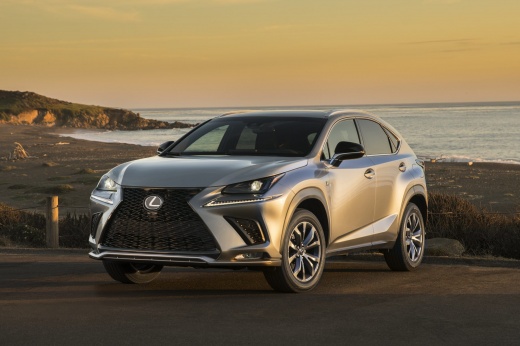
In this tutorial we can see how to reset the service in the Lexus NX 350, an extremely simple and quick operation, to be carried out only once all scheduled maintenance work has been completed. Let's start by going inside the cabin, then insert the key and turn on the instrument panel. Then we reach the settings menu on the touchscreen display, scroll through the various options, enter "Vehicle customize", "Utility", and select the service we want to reset. At this point, all that's left to do is confirm the reset and restart the vehicle.
Posted on 6 July 2024 by ScegliAuto
Video tutorial
Related tutorials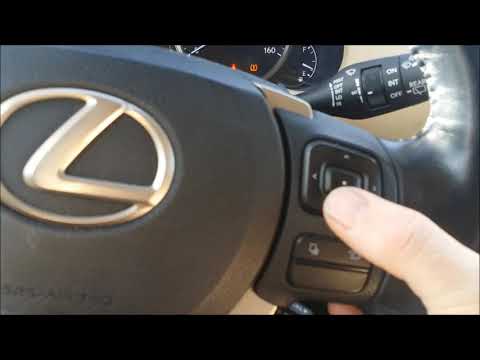
Lexus NX
(2014-2021 /
MK 1)
In this tutorial we can see how to reset the service in the Lexus NX 200T, an extremely simple and quick operation, to be carried out only after comp…

Lexus NX
(2021-2026 /
Az20, MK 2)
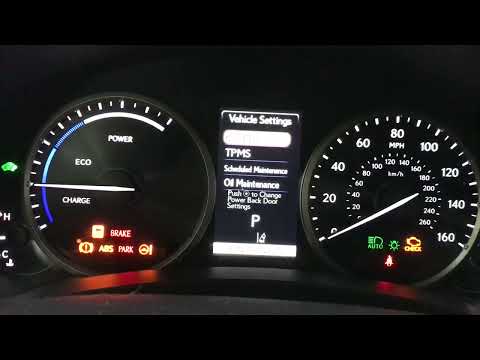
Today we will discover the necessary instructions to reset the maintenance service light for the oil change in the Lexus NX. First, we get into the c…
Lexus NX
(2014-2021 /
MK 1)
In this tutorial, we can see how to reset the service in the Lexus NX 300h, an extremely simple and fast operation, to be performed only once all the…
Other guides you may be interested in
|
How to Remove the High-Pressure Fuel Pump on VW Golf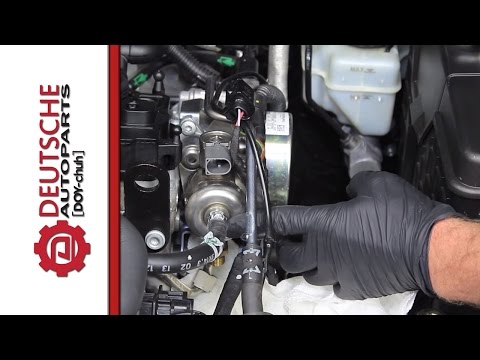
In this video, learn how to remove the high-pressure fuel pump on the Volkswagen Golf. Lift the bonnet and secure it, then remove the engine soundproofing panel. Using a screwdriver, unscrew the locking pins of the ventilation pipe and remove the piece from the engine bay. Start removing the fastening pins of the pump as shown in the video. Once the piece is detached from its seat, disconnect the clip present on it. Finally, refit the high-pressure fuel pump in the engine bay, along with the intake pipe and the soundproofing panel. by ScegliAuto More videos
|
|
For advertising on this site Write to info@scegliauto.com
ScegliAuto is not responsible for any inaccuracy of the data in the lists. To report any inaccuracy or your business (if you own the business in question), please write to info@scegliauto.com
Number of seconds to generate the page: 0.089
(c) ScegliAuto 2026 - info@scegliauto.com - Privacy policy VAT number: IT01247470535 |
