
|
Do it yourself
| |||
| ||||


Lincoln Aviator - KeyKey Lincoln Aviator (2020-2027 / mk 2) Lincoln Aviator (2020-2026 / MK 2) How to Replace the Key Fob Battery for the New Lincoln Aviator 2 In this guide dedicated to your second-generation Lincoln Aviator (2020-2022), you will learn the steps necessary to quickly and correctly replace the button …Read all… Posted on 13 November 2026 by ScegliAuto  Lincoln Aviator (2020-2026 / MK 2) How to Replace the Battery on the Lincoln Aviator If you notice that the remote key for your vehicle is no longer working and cannot open the doors, you need to replace the key battery. To do this, the …Read all… Posted on 25 October 2026 by ScegliAuto 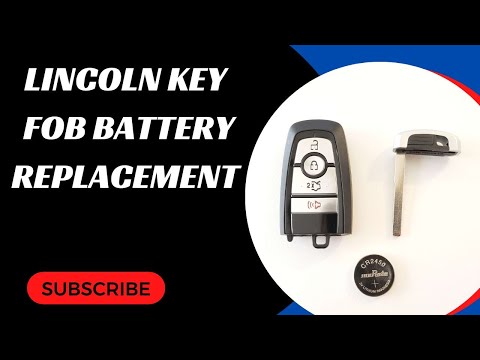 Lincoln Aviator (2020-2026 / MK 2) How to Replace the Key Fob Battery in a 2020 Lincoln Aviator The steps to replace the key fob battery in a 2020 Lincoln Aviator are straightforward. Before starting, ensure you have the necessary materials, including a …Read all… Posted on 20 August 2026 by ScegliAuto 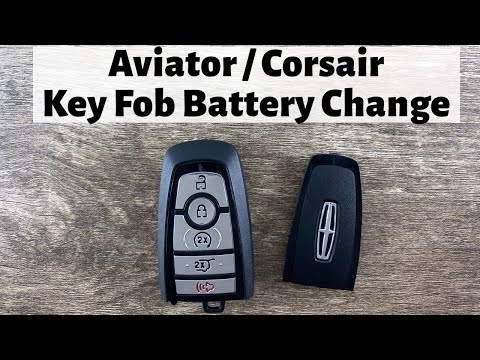 Lincoln Aviator (2020-2026 / MK 2) How to Replace the Key Fob Battery in the Lincoln Aviator In today's video, you will see how to replace the battery in the key fob for the Lincoln Aviator. This tutorial also applies to other models of the brand …Read all… Posted on 16 July 2026 by ScegliAuto Car stereo (2) Key (4) Air filter (1) Cabin air filter (1) Engine oil (1) Door trim panel (1) Brake pads (1) Fuse box (2) Seat (1) Warning light – error code (2) Service warning light (2) |
How do you reset the tyre pressure warning light on a Hyundai Kona?
Inflate the tyres to the correct pressure to reset the tyre pressure warning light on your Hyundai Kona. Find the recommended pressures on the sticker on the driver's door pillar. Once the tyres are correctly inflated, get into the car and switch on the ignition. Wait a few seconds for the warning light to go out. If it stays on, drive for a few miles until it goes out completely. by ScegliAuto More videos
|
|
For advertising on this site Write to info@scegliauto.com
ScegliAuto is not responsible for any inaccuracy of the data in the lists. To report any inaccuracy or your business (if you own the business in question), please write to info@scegliauto.com
Number of seconds to generate the page: 0.005
(c) ScegliAuto 2026 - info@scegliauto.com - Privacy policy - About us VAT number: IT01247470535 |
