
|
Do it yourself
| |||
| ||||


Maserati Ghibli - KeyKey Maserati Ghibli (2013-2024 / mk 1)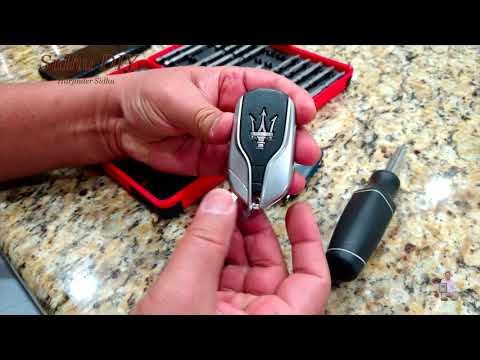 Maserati Ghibli (2013-2024 / MK 1)
How to Replace the Remote Battery on the Maserati Ghibli In today's video, learn how to replace the remote battery for Maserati vehicles. Specifically, this tutorial applies to the three models currently available: …Read all… Posted on 12 September 2026 by ScegliAuto 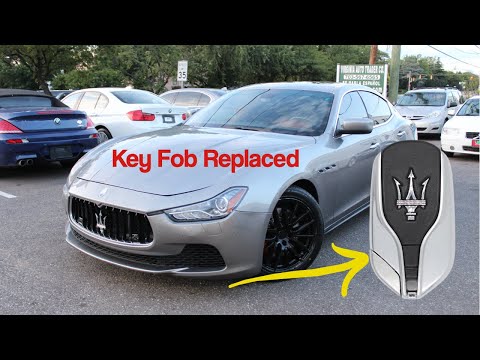 Maserati Ghibli (2013-2024 / MK 1)
How to Replace the Key Battery of the Maserati Ghibli If the smart key of your Maserati Ghibli has suddenly stopped working or often has detection issues, it means the battery is completely exhausted and needs to …Read all… Posted on 8 August 2026 by ScegliAuto 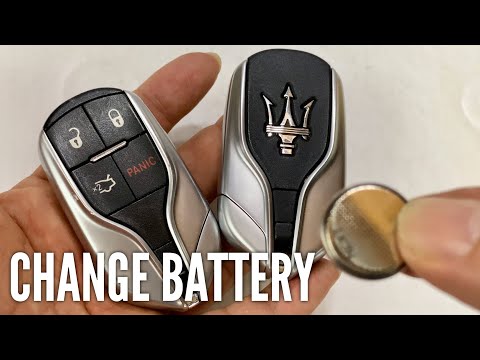 Maserati Ghibli (2013-2024 / MK 1)
How to Replace the Key Battery of a Maserati Ghibli Start by pressing the button located on the top of the key. Pressing this button will release the emergency key, allowing you to remove it from its housing. …Read all… Posted on 18 June 2026 by ScegliAuto 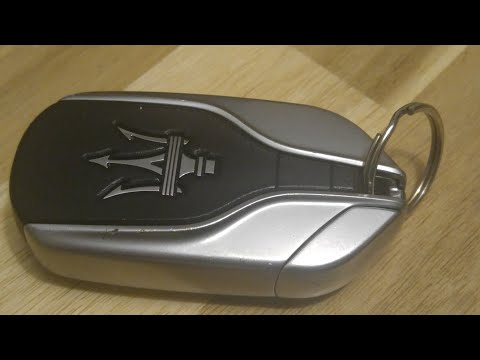 Maserati Ghibli (2013-2024 / MK 1)
How to Change the Remote Battery on the Maserati Ghibli - Levante In this guide, you will see the procedure necessary for disassembling and replacing the remote key battery for the Maserati Ghibli, as well as the Levante. …Read all… Posted on 7 June 2026 by ScegliAuto 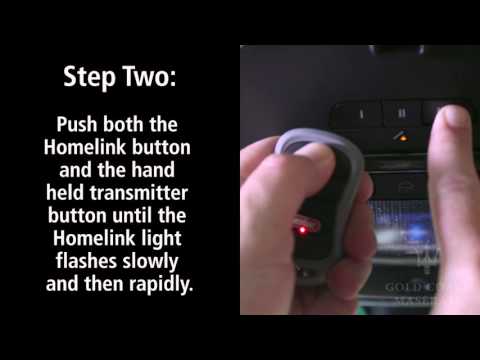 Maserati Ghibli (2013-2024 / MK 1)
How to Program the Garage Remote on the Maserati Ghibli In this guide, you will learn how to connect and program the key remote for the automatic garage door on the Maserati Ghibli, using the Homelink system present …Read all… Posted on 2 June 2026 by ScegliAuto  Maserati Ghibli (2013-2024 / MK 1)
How to open the remote control of a Maserati Ghibli How do you open the remote control of a Maserati Ghibli to replace the battery? Take your remote and slide out the metal key. Once extracted: unscrew the tiny …Read all… Posted on 1 April 2026 by ScegliAuto Car stereo (1) Battery (1) Key (6) Tail light (1) Air filter (3) Cabin air filter (1) Headlight bulb (2) Handle (1) Engine oil (2) Door trim panel (1) Front bumper (1) Wheel (1) Fuse box (3) Service warning light (7) |
How to set the clock on the Opel Zafira
Setting the clock to the current Italian time on an Opel Zafira model B vehicle is a very simple operation, which can also be done independently thanks to our short instructional video. The first thing to do is to turn on the instrument panel and then press the SETTING button, located on the central dashboard. Once inside the menu, use the buttons to navigate to the clock setting. Change the hours and minutes and restart the instrument panel. If the clock is not updated, a diagnosis may be necessary at the radio or vehicle control unit. by ScegliAuto More videos
|
|
For advertising on this site Write to info@scegliauto.com
ScegliAuto is not responsible for any inaccuracy of the data in the lists. To report any inaccuracy or your business (if you own the business in question), please write to info@scegliauto.com
Number of seconds to generate the page: 0.008
(c) ScegliAuto 2026 - info@scegliauto.com - Privacy policy VAT number: IT01247470535 |
