
|
Do it yourself
| |||
| ||||


How to change the time on a Maxus T60 pick-up truck
Model: Maxus T60
MK 1
- Years 2016-2024
In this video, we will see how to change the time on the instrument panel of a Maxus T60, to switch to daylight saving time or to adjust the time in case we have done some operations on the battery, which caused the time to reset to zero: we will do this operation from the multimedia screen: by clicking on the gear icon we access the settings and from there we click on the time, where we can adjust the time forward or backward, according to our needs; It is also possible to choose the time setting in 24 or 12 hours, according to the customs of our country. Then we confirm with "ok" and the job is done.
Posted on 7 June 2025 by ScegliAuto
Video tutorial
Related tutorials
Maxus T60
(2016-2024 /
MK 1)
.. on in the instrument panel of our Maxus T60 pick-up truck, it means that the liquid of the anti-pollution system has reached the minimum level and, consequently,.. …

Maxus T60
(2016-2024 /
MK 1)
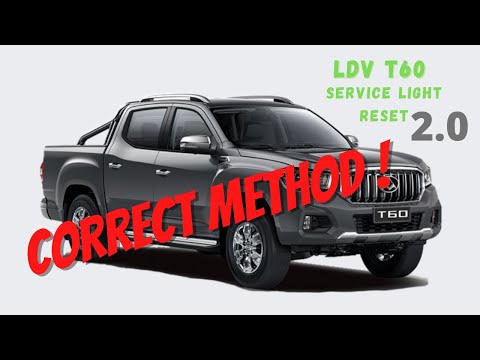
In this video we see how to reset the service of the Maxus T60 pick-up. This vehicle is marketed in Australia and New Zealand under the LDV T60 brand…
Maxus T60
(2016-2024 /
MK 1)
As we can see in this tutorial, resetting the service light in the Maxus T60 pick-up is an extremely simple and fast operation. Before proceeding, we…
Other guides you may be interested in
|
How to Remove the High-Pressure Fuel Pump on VW Golf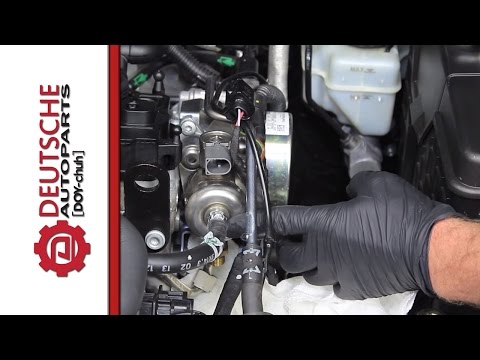
In this video, learn how to remove the high-pressure fuel pump on the Volkswagen Golf. Lift the bonnet and secure it, then remove the engine soundproofing panel. Using a screwdriver, unscrew the locking pins of the ventilation pipe and remove the piece from the engine bay. Start removing the fastening pins of the pump as shown in the video. Once the piece is detached from its seat, disconnect the clip present on it. Finally, refit the high-pressure fuel pump in the engine bay, along with the intake pipe and the soundproofing panel. by ScegliAuto More videos
|

|
For advertising on this site Write to info@scegliauto.com
ScegliAuto is not responsible for any inaccuracy of the data in the lists. To report any inaccuracy or your business (if you own the business in question), please write to info@scegliauto.com
Number of seconds to generate the page: 0.079
(c) ScegliAuto 2026 - info@scegliauto.com - Privacy policy VAT number: IT01247470535 |
