
|
Do it yourself
| |||
| ||||


How to reset the service in the Maxus G10?
Model: Maxus G10
MK 1
- Years 2014-2024
In this tutorial we can see how to reset the service in the Maxus T10, a very simple operation, to be carried out only after completing all the required maintenance work. First we insert the key but leave it in the initial position, then we open the driver's door and turn on the instrument panel. Subsequently, we remove the signal in the display by pressing the key located at the end of the left lever, scroll the screens with the ring and go to the screen indicated, where we will quickly rotate the ring counterclockwise and press the same key at the same time.
Posted on 3 April 2022 by ScegliAuto
Video tutorial
Related tutorials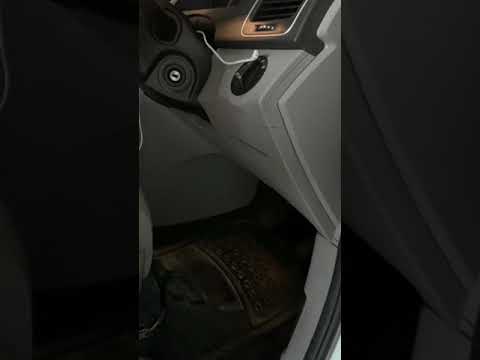
Maxus G10
(2014-2024 /
MK 1)
If you are curious to know the exact location of the fuse box in your Maxus G10, all you need to do is read the instructions in the following mini gu…
Maxus G10
(2014-2024 /
MK 1)
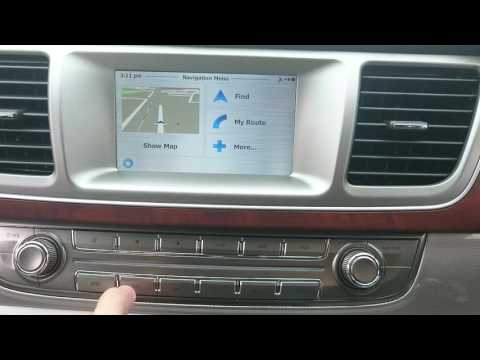
Let's see in this short and simple guide how to use the satellite navigator of the Maxus G10, but also of the LDV G10. First of all, let's get on boa…
Maxus G10
(2014-2024 /
MK 1)
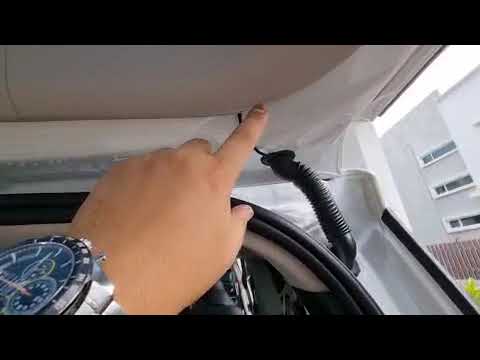
Today we will see, in this video tutorial, how to install the dashcam or the front security camera of the Maxus G10, following these simple steps. Fi…
Other guides you may be interested in
|
How to Remove the Door Panel from a Renault Clio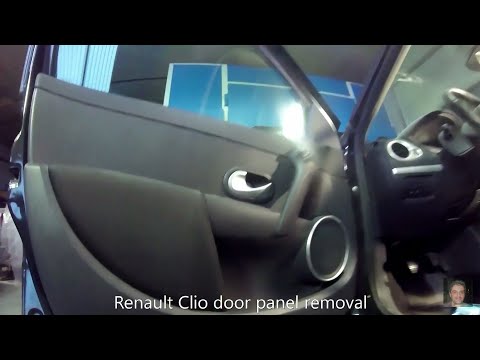
How to remove the panel from a Renault Clio? Don't worry, let's see together in this video how to proceed. Before starting the disassembly, disconnect the battery terminals located in the engine bay. Begin the disassembly: remove the plastic cover of the handle with a lever, then use a screwdriver to unscrew the internal door handle and the screws located there. Once removed, take out the window switch button, unscrew the internal door opening lever. Detach the door panel and disconnect the speaker. Be careful not to lose any of the clips behind the plastic panel you removed earlier. Replace the part and reassemble everything in reverse order. by ScegliAuto More videos
|

|
For advertising on this site Write to info@scegliauto.com
ScegliAuto is not responsible for any inaccuracy of the data in the lists. To report any inaccuracy or your business (if you own the business in question), please write to info@scegliauto.com
Number of seconds to generate the page: 0.116
(c) ScegliAuto 2026 - info@scegliauto.com - Privacy policy VAT number: IT01247470535 |
