
|
Do it yourself
| |||
| ||||


|
Let's see in this guide how to change the date and time of the Maxus G10, following these simple and quick steps. First of all we get in the car and turn on the instrument panel; then let's move to the central display and press the menu button that we find on the radio controls, then go to the vehicle settings, as shown in the video. At this point we press on the system item until we get to that of the clock; so let's go and change the date and time correctly, following the video tutorial until the end!
Posted on 21 May 2022 by ScegliAuto
Video tutorial
Related tutorials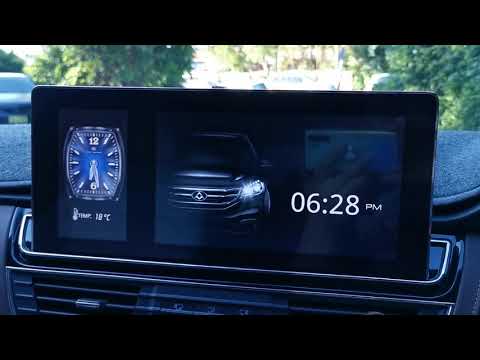
Maxus G10
(2014-2024 /
MK 1)
Let's see in this short and simple guide how to change the style of the watch that we find on the central display of the instrumentation of the Maxus…
Maxus G10
(2014-2024 /
MK 1)
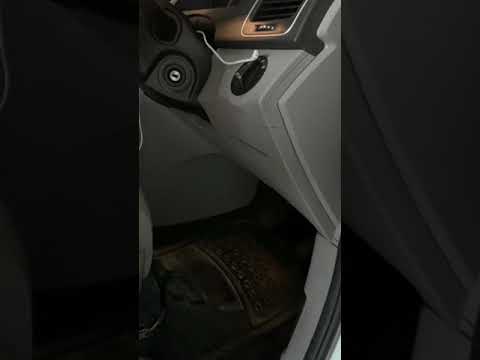
If you are curious to know the exact location of the fuse box in your Maxus G10, all you need to do is read the instructions in the following mini gu…
Maxus G10
(2014-2024 /
MK 1)
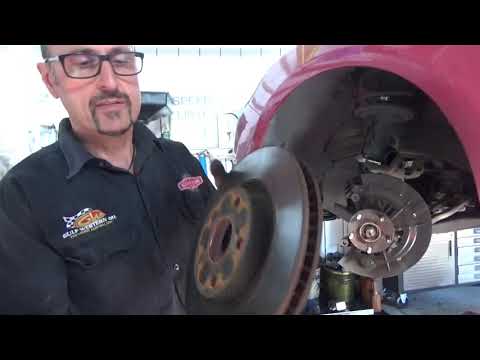
To be able to service the Maxus G10 you have to go and lift the car, so that you can unscrew the oil drain plug. All the oil that escapes must be col…
Other guides you may be interested in
|
How to Remove the Front Brake Rotor on a BMW X3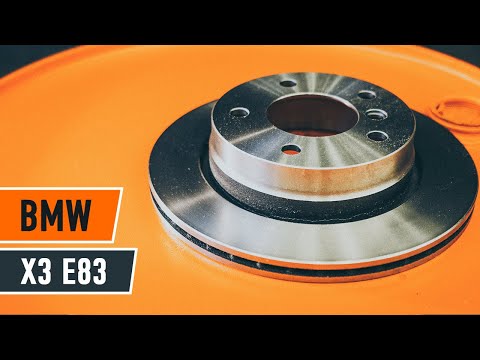
Let's see how to remove the front brake rotor on a BMW X3. Position your car on a column lift and raise it to a comfortable height for working. Loosen the bolts with a socket wrench or air drill and remove the wheel, then start loosening the bolts of the brake caliper to detach it from the bracket, using a screwdriver to remove the brake pads. Now remove the caliper bracket and loosen the bolts on the brake rotor (using a Torx screwdriver), pull the rotor towards you to slide it off the wheel hub. Install the new brake rotor with all the associated bolts, tighten the caliper bracket to the rotor and the brake pads, then install the brake caliper, making sure to tighten all the bolts securely. Before mounting the wheel, bleed the brake caliper and then tighten the bolt. Finally, install the wheel with the bolts. by ScegliAuto More videos
|

|
For advertising on this site Write to info@scegliauto.com
ScegliAuto is not responsible for any inaccuracy of the data in the lists. To report any inaccuracy or your business (if you own the business in question), please write to info@scegliauto.com
Number of seconds to generate the page: 0.087
(c) ScegliAuto 2026 - info@scegliauto.com - Privacy policy VAT number: IT01247470535 |
