
|
Do it yourself
| |||
| ||||


How to reset the service light on Maxus T60 Pick-Up
Model: Maxus T60
MK 1
- Years 2016-2024
In this video we see how to reset the service of the Maxus T60 pick-up. This vehicle is marketed in Australia and New Zealand under the LDV T60 brand. The reset can also be done with the dedicated button located on the left of the speedometer, but sometimes it does not work perfectly, so it is advisable to do it with the scanner. So we look for the brand, then the model and then select the instrument panel from the scanner, and from here we select the maintenance interval, enter the mileage after which we intend to do the next service, confirm and on the display this interval will appear as the next service and the warning light is reset.
Posted on 24 July 2024 by ScegliAuto
Video tutorial
Related tutorials
Maxus T60
(2016-2024 /
MK 1)
If the AdBlue light has turned on in the instrument panel of our Maxus T60 pick-up truck, it means that the liquid of the anti-pollution system has r…
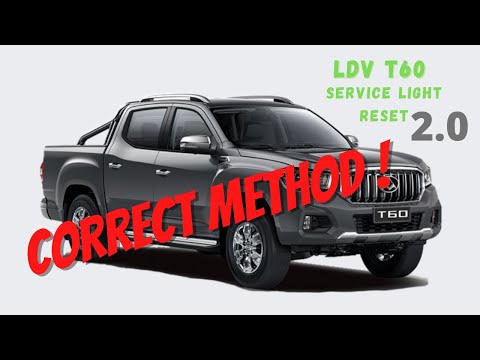
Maxus T60
(2016-2024 /
MK 1)
As we can see in this tutorial, resetting the service light in the Maxus T60 pick-up is an extremely simple and fast operation. Before proceeding, we…
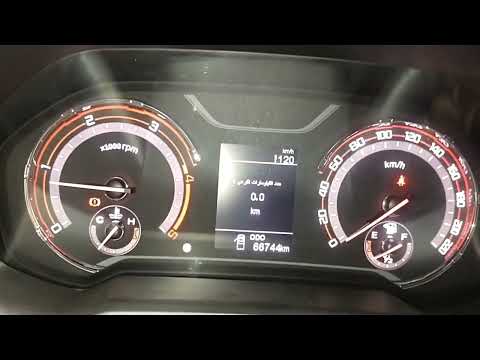
Maxus T60
(2016-2024 /
MK 1)
Resetting the service in the Maxus T60 pick-up, as we can see in this tutorial, is an extremely simple and quick operation. Before proceeding, we mus…
Other guides you may be interested in
|
How to Remove the Rear Bumper of an Opel Corsa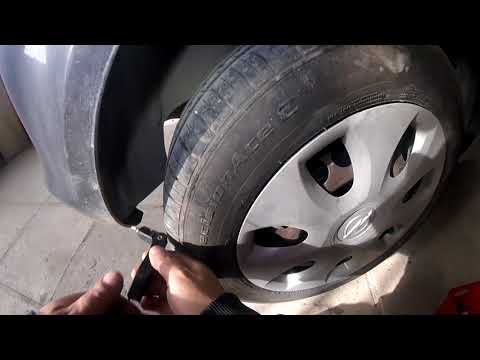
How to remove the rear bumper of an Opel Corsa? Follow these steps carefully. This operation is not too complex if done in order. First, use a screwdriver or battery-powered drill to unscrew the securing screws located near the rear lights, then remove them from the body along with their connectors. Unscrew the screws located at the top of the bumper, then unscrew the screws on the sides of the wheel arch liners and at the bottom of the bumper. Once the bumper is free from any screws or pins, grasp it with your hands and pull it away from the body (disconnect any power cables if necessary). by ScegliAuto More videos
|

|
For advertising on this site Write to info@scegliauto.com
ScegliAuto is not responsible for any inaccuracy of the data in the lists. To report any inaccuracy or your business (if you own the business in question), please write to info@scegliauto.com
Number of seconds to generate the page: 0.043
(c) ScegliAuto 2026 - info@scegliauto.com - Privacy policy VAT number: IT01247470535 |
