
|
Do it yourself
| |||
| ||||


How to reprogram the automatic windows of the Mazda CX7
Model: Mazda Cx7
MK 1
- Years 2006-2012
In this video, we will see how to reprogram the windows of our Mazda CX7: sit with the doors closed, turn on the instrument panel and start with the right front window: press the button to lower the window completely, and hold it down for 5 seconds after it has gone down. Now pull the button to raise the window completely and hold it down for 8 seconds after it has been closed. Repeat the same procedure for the left front window. Turn off the car, and then turn it back on to test the operation; the windows should now work correctly in automatic mode (with one click). It is very important to respect the exact timing of the procedure.
Posted on 1 September 2025 by ScegliAuto
Video tutorial
Related tutorials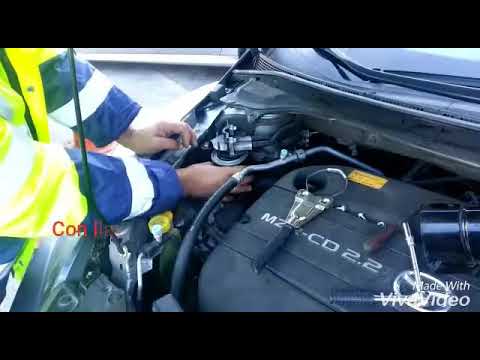
Mazda Cx7
(2006-2012 /
MK 1)
Before we can begin, we will have to go and open the front hood of our Mazda CX7. So let's start by unscrewing the screws that secure the fuel filter…
Mazda Cx7
(2006-2012 /
MK 1)
In this video, we see that if there is a power interruption on the Mazda Cx7, for example following the replacement of the battery, it may happen tha…
Mazda Cx7
(2006-2012 /
MK 1)
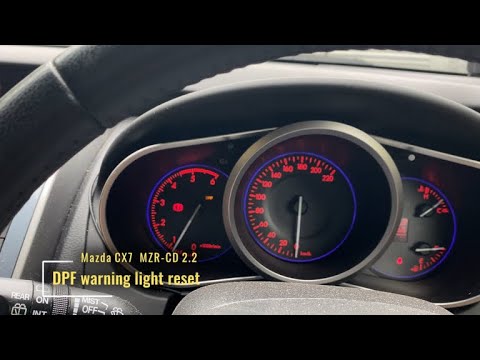
In order to reset the Mazda CX7 particulate filter warning light, you must turn off the instrument cluster and connect a wire from the top terminal o…
Other guides you may be interested in
|
How to Replace the Timing Belt on the BMW X3
Unlatch and lift the hood, then you will need to remove all the parts above the area where you will be working. As shown in the video, you can remove the screws to take off the upper panels. Now you need to remove the air filter cover from the engine. In any case, you will need to remove all obstructing parts until you reach the belt. In the diagram, you can see which pulley acts as the tensioner, so loosen it to remove the belt. Once the tension is off the belt, you can take it out and replace it without issues. Retrace the steps in reverse for reassembly of the various components. by ScegliAuto More videos
|
|
For advertising on this site Write to info@scegliauto.com
ScegliAuto is not responsible for any inaccuracy of the data in the lists. To report any inaccuracy or your business (if you own the business in question), please write to info@scegliauto.com
Number of seconds to generate the page: 0.045
(c) ScegliAuto 2026 - info@scegliauto.com - Privacy policy VAT number: IT01247470535 |
