
|
Do it yourself
| |||
| ||||


How to Install a Dash Cam on the Mazda 6
Model: Mazda 6
GJ, MK 3
- Years 2012-2024
Here's how to easily install a Dash Cam on the Mazda 6. This is a plug & play installation, so it's very straightforward. Start by removing the front cover on the windscreen, then unscrew the two screws holding the courtesy light and sunglasses holder in place. Disconnect the electrical connectors, then use a plastic spatula to pull out the connector, which is already prepared for this use and hidden in this compartment. Insert the connector and replace all the cables. Now connect the Dash Cam cable, which you mounted on the central windscreen cover, to the connection cable inside the courtesy light compartment. Refit the cover, reconnect all the cables, and replace the courtesy light. Tighten the two screws: job done. If you want this Dash Cam, you can find it on the fitcamx website by searching for the product for your Mazda 6. It costs $168.00 plus shipping.
Updated on 27 August 2026 by ScegliAuto
Video tutorial
Related tutorials
…
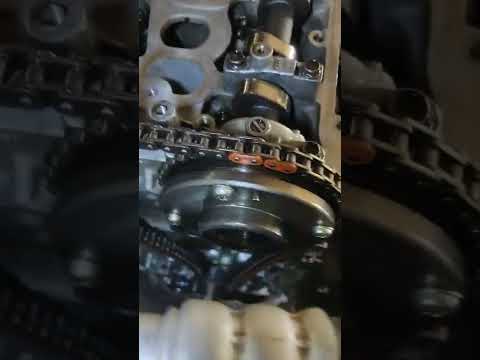
Mazda 6
(2012-2024 /
GJ, MK 3)
In this video tutorial, you will learn how to adjust the timing chain, ensuring the correct timing of the Mazda 6 engine. Before removing the old tim…
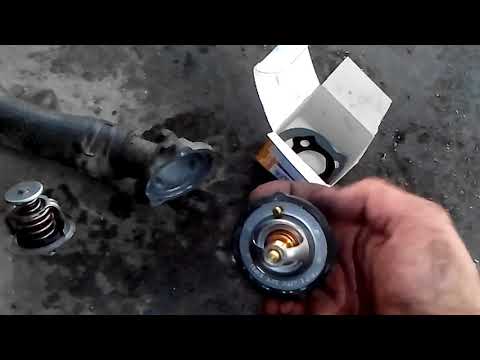
Mazda 6
(2002-2008 /
GG, MK 1)
In this video tutorial, you will see how to remove and replace the thermostat on the Mazda 6 2.0 Diesel, first series, in simple and quick steps. Fir…
Other guides you may be interested in
|
How to Adjust the Brightness of the Instrument Cluster on a Peugeot 3008?
To adjust the brightness of the instrument cluster on a Peugeot 3008, you need to turn on the ignition and access the settings via the menu located in the central area of the dashboard. In the screen that appears, select the "Display Configuration" option: now, by selecting the "Brightness" option, you can adjust it using the dedicated slider that will appear on the screen. The adjustment should be made with the headlights on as well as with them off. Once the adjustment is complete, you can turn off the instrument cluster. by ScegliAuto More videos
|

|
For advertising on this site Write to info@scegliauto.com
ScegliAuto is not responsible for any inaccuracy of the data in the lists. To report any inaccuracy or your business (if you own the business in question), please write to info@scegliauto.com
Number of seconds to generate the page: 0.165
(c) ScegliAuto 2026 - info@scegliauto.com - Privacy policy VAT number: IT01247470535 |
