
|
Do it yourself
| |||
| ||||


How to replace tire pressure monitoring sensors on a Mercedes E-Class
Model: Mercedes CL
C215
- Years 1999-2006
In this video, we can see how to re-initialize the tire pressure sensors on a Mercedes vehicle: it's like installing a new phone on our car's bluetooth. Mercedes doesn't require entering the ID number of each sensor, but we just need to scroll to the TPMS screen, and once there, press the reset button located on the right side of the monitor. We will then be asked if we want to perform the current monitoring. We answer yes using the keyboard located on the left side of the steering wheel, and the pressure monitor is reactivated. It will then be necessary to drive a few kilometers to confirm the pressures.
Posted on 16 June 2025 by ScegliAuto
Video tutorial
Related tutorials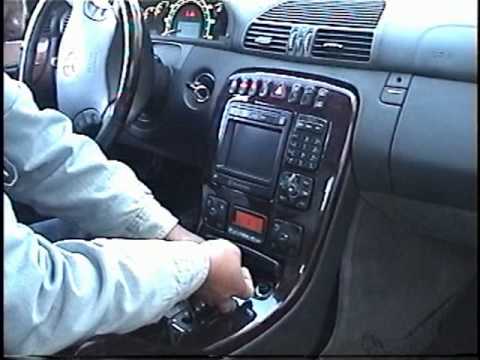
Mercedes CL
(1999-2006 /
C215)
To remove the car stereo, you need to take off the trim surrounding the centre console.
Pull the gear lever knob upwards to remove it, then unclip an…
Mercedes CL
(1999-2006 /
C215)
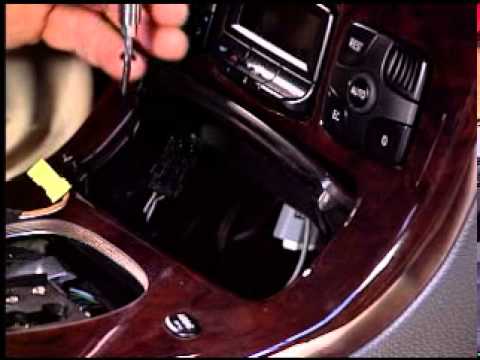
Gently unscrew the gear knob to remove it from the metal shaft. Lever it out sideways to remove the square panel covering the gear lever, taking care…
Other guides you may be interested in
|
How to Connect the Cables to the Battery of the Citroen Xsara Picasso?
In this tutorial, you will see how to connect the cables to the battery of the Citroen Xsara Picasso, useful if you need to recharge it or perform an emergency start. First, ensure the key is not inserted, then open the bonnet and move to the front of the left headlamp. Next, locate the bolt just behind the filter box and connect the positive terminal clamp to it. Now you can connect the negative terminal to any point on the chassis, such as the indicated point. Once the operation is complete, ensure you disconnect the negative first and then the positive. by ScegliAuto More videos
|
|
For advertising on this site Write to info@scegliauto.com
ScegliAuto is not responsible for any inaccuracy of the data in the lists. To report any inaccuracy or your business (if you own the business in question), please write to info@scegliauto.com
Number of seconds to generate the page: 0.361
(c) ScegliAuto 2026 - info@scegliauto.com - Privacy policy VAT number: IT01247470535 |
