
|
Do it yourself
| |||
| ||||


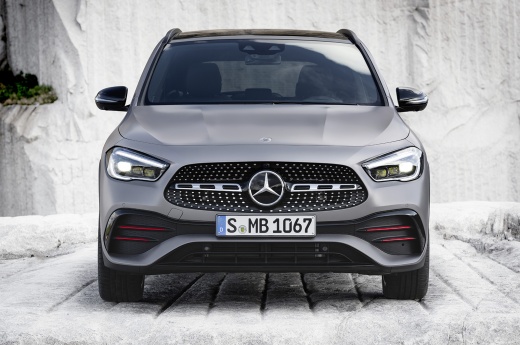
How to Remove the Door Handle from a Mercedes
Model: Mercedes Gla
MK 2, H247
- Years 2020-2026
Video tutorial
Detailed instructions - The procedure for removing the door handle on a Mercedes vehicle is generally the same across all models: open the door and remove the rubber seal from the door (it is not necessary to remove it completely, just pull back the top part): underneath, you will find an access hole, and inside the hole, there will be a screw (which can be Torx or Allen) that secures the handle. Loosen the screw but do not remove it completely, just loosen it by a maximum of 5 turns to prevent it from falling inside the door. Now, from the outside, slide the door handle towards the rear and then towards you: if the handle has a keyless entry device, disconnect the electrical connector.
Posted on 29 September 2026 by ScegliAuto
Related tutorials
Mercedes Gla
(2020-2026 /
MK 2, H247)
To remove the door handle on a new generation Mercedes GLA, open the door and locate the small plastic cap on the side edge, corresponding to the out…
Mercedes Gla
(2013-2019 /
MK 1, W156)
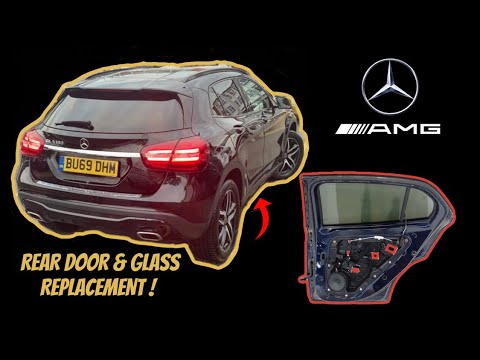
To replace the rear glass of the Mercedes GLA, loosen the screws securing the door panel. These screws are located beneath the trim covering the armr…
Mercedes Gla
(2013-2019 /
MK 1, W156)
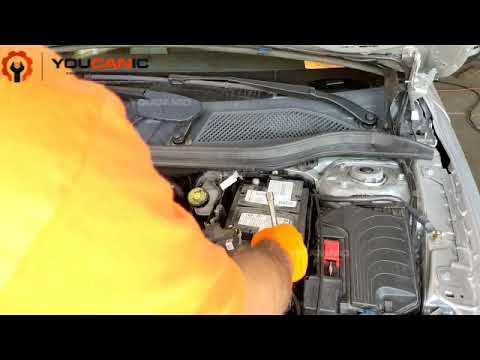
As shown in this tutorial, replacing the battery in a Mercedes GLA is a very simple and quick operation. First, ensure the key is not inserted for sa…
Other guides you may be interested in
|
How to set the clock on the Vespa 125 Primavera?
To set the clock on the Vespa 125 Primavera, press and hold the black button located just below the black knob on the bike: keep the button pressed until the hour number starts to flash. Once it is flashing, you can change the hours with single presses of the same button; then, by pressing and holding the button again, the hour number will stop flashing and the minute number will start to flash, which can be modified in the same way, confirming the input by holding the button. by ScegliAuto More videos
|
|
For advertising on this site Write to info@scegliauto.com
ScegliAuto is not responsible for any inaccuracy of the data in the lists. To report any inaccuracy or your business (if you own the business in question), please write to info@scegliauto.com
Number of seconds to generate the page: 0.281
(c) ScegliAuto 2026 - info@scegliauto.com - Privacy policy VAT number: IT01247470535 |
