
|
Do it yourself
| |||
| ||||


How to Reset the Service Light on a Mercedes GLB 250
Model: Mercedes Glb
MK 1
- Years 2019-2026
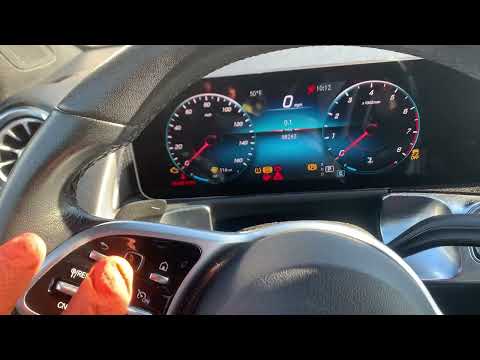
If you are wondering how to manually reset the service light on your Mercedes GLB 250, this guide is all you need. Let’s discover the necessary steps. First, start the car's instrument panel by pressing the "Engine Start/Stop" button once. Then, press the back button and the button immediately to its right at the same time to access the secret menu. Scroll through it and select the "Workshop" option. Now select "Assyst Plus" and press the "Start/Stop" button again. Press the "back" button, select the "full service" option, "Confirm service", and once the oil used is correctly set, confirm the reset to complete the procedure.
Updated on 30 June 2026 by ScegliAuto
Video tutorial
Related tutorials
Mercedes Glb
(2019-2026 /
MK 1)
Below are the instructions to remove and replace the battery of the Mercedes GLB 250. First, open the vehicle's bonnet and start disconnecting the wi…
Mercedes Glb
(2019-2026 /
MK 1)
In this guide for all of you who own a 2020 Mercedes GLB, we will discover the steps to take if you want to reset the maintenance light on the instru…

Mercedes Glb
(2019-2026 /
MK 1)
To reset the Service light on the Mercedes GLB, you will need to turn on the instrument panel by pressing the appropriate power button. Once the pane…
Other guides you may be interested in
|
How to Open a Stuck Boot on the Peugeot 407?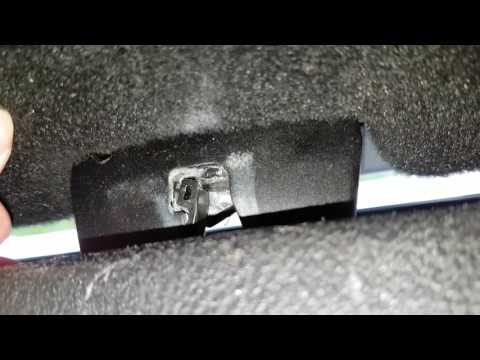
On the Peugeot 407, the boot may become stuck, possibly due to a problem with the control button or the lock actuator. In such cases, you can perform an emergency opening by following the simple procedure shown in this tutorial. First, open the rear doors, then lower the seat back by operating the release lever. Next, go inside the boot, locate the lock, and manually operate it using a flathead screwdriver. The boot will then be free to open. by ScegliAuto More videos
|

For advertising on this site Write to info@scegliauto.com
ScegliAuto is not responsible for any inaccuracy of the data in the lists. To report any inaccuracy or your business (if you own the business in question), please write to info@scegliauto.com
Number of seconds to generate the page: 0.214
(c) ScegliAuto 2026 - info@scegliauto.com - Privacy policy VAT number: IT01247470535 |
