
|
Do it yourself
| |||
| ||||


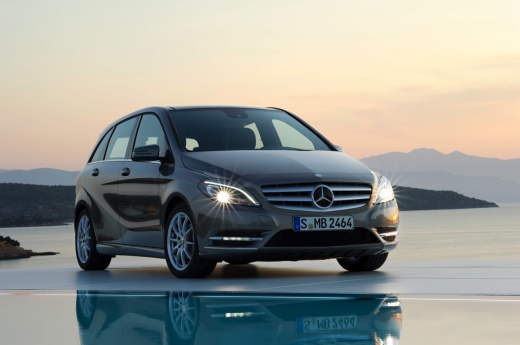
How to Replace the Key Battery in the Mercedes-Benz B-Class W246
Model: Mercedes Classe B
MK 2, W246
- Years:
2011, 2012, 2013, 2014, 2015, 2016, 2017, 2018, 2019
Video tutorial
In this guide, you will discover all the steps necessary to correctly replace the battery located inside the key of your Mercedes-Benz B-Class W246 (2011-2019). First, ensure you have a compatible new battery. Then, remove the physical emergency key by pressing the small button located on the back cover. Once done, remove the back cover itself and take out the battery holder. Finally, replace the old battery with the new one, and you are finished.
Updated on 21 September 2026 by ScegliAuto
Related tutorials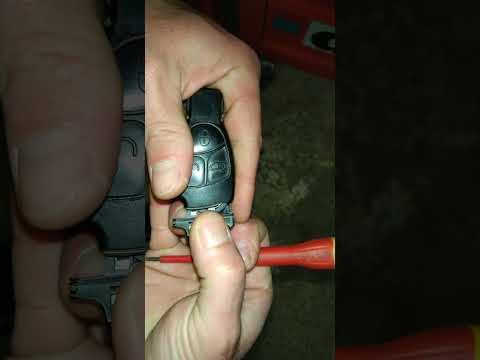
Mercedes Classe B
(2011-2019 /
MK 2, W246)
.. If the battery inside your Mercedes-Benz B-Class W246 (2011-2019) smart key is completely flat and you want to know how to replace it, simply.. …
Mercedes Classe B
(2011-2019 /
MK 2, W246)
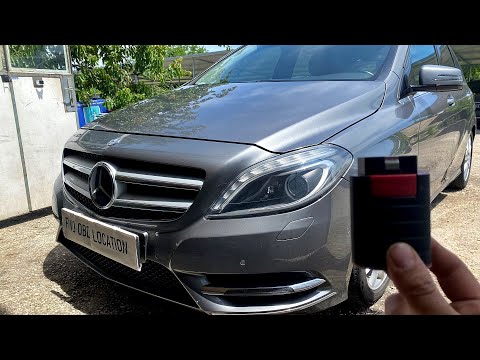
The OBD port on your Mercedes Class B W246 (2012 model) is hidden inside the cabin. This guide will explain how to locate it in a few simple steps. F…

Mercedes Classe B
(2011-2019 /
MK 2, W246)
If the display on the instrument panel shows "backup battery fault," it may indicate either a real depletion of the backup battery or, on some models…
Other guides you may be interested in
|
How to enter the radio code in the Opel Zafira?
In the Opel Zafira, it may happen that the radio locks and consequently requests the appropriate security code, especially after disconnecting or replacing the battery. The code can be found in the documents provided at purchase or through one of the various online recovery services. Once obtained, enter it by following the procedure shown in this tutorial. First, switch on the instrument panel, then press and hold both the "AS" button and the left knob for about 5 seconds. Next, enter the first digit by repeatedly pressing the "1" button, continue with the next 3 buttons, and save the setting by pressing the "AS" button again. by ScegliAuto More videos
|
|
For advertising on this site Write to info@scegliauto.com
ScegliAuto is not responsible for any inaccuracy of the data in the lists. To report any inaccuracy or your business (if you own the business in question), please write to info@scegliauto.com
Number of seconds to generate the page: 0.123
(c) ScegliAuto 2026 - info@scegliauto.com - Privacy policy VAT number: IT01247470535 |
