
|
Do it yourself
| |||
| ||||


How to set the clock in the Mercedes S-Class?
Model: Mercedes Classe S
MK 4, W220
- Years:
1999, 2000, 2001, 2002, 2003, 2004, 2005
Video tutorial
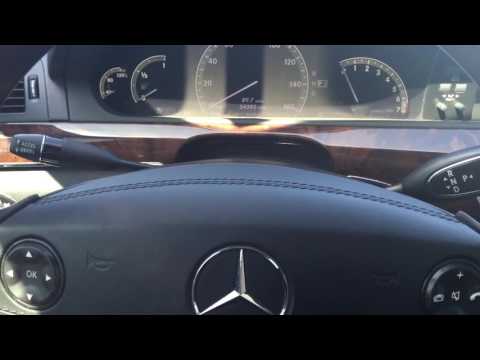
To adjust the clock on the Mercedes S-Class, turn on the instrument cluster by inserting the ignition key into its slot: once the cluster is on, use the buttons next to the central display, pressing the SVC button. This will show a screen where you can select the "Time" option: doing so will take you to the next screen, where you can modify the hours and minutes using the arrows. After adjusting, return to the initial screen by turning off the instrument cluster.
Updated on 13 October 2026 by ScegliAuto
Related tutorials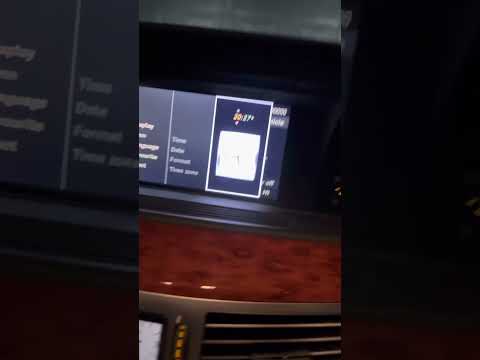
Mercedes Classe S
(2005-2013 /
W221, MK 5)
.. To adjust the clock on the Mercedes S-Class, turn on the instrument cluster to access the menu that will appear on the display. Select "Vehicle".. …
Mercedes Classe S
(2005-2013 /
W221, MK 5)
.. To adjust the clock on a Mercedes S-Class, turn on the instrument cluster so you can navigate the menu that appears on the display. Select.. …

Mercedes Classe S
(2005-2013 /
W221, MK 5)
.. will learn how to set the time in the Mercedes S-Class, a very simple and quick operation to perform after disconnecting the battery or when switching.. …
Other guides you may be interested in
|
How to Reset the Tyre Pressure Warning Light on the Opel Mokka?
To reset the tyre pressure warning light on the Opel Mokka, turn on the ignition by inserting the key into the ignition switch. Once the ignition is on, navigate through the menu that appears on the dashboard by pressing the MENU button on the lever to the left of the steering wheel. When the tyre pressure option appears, press and hold the SET/CLR button located on the same lever. This will reset the warning light, and you can then turn off the ignition. by ScegliAuto More videos
|
|
For advertising on this site Write to info@scegliauto.com
ScegliAuto is not responsible for any inaccuracy of the data in the lists. To report any inaccuracy or your business (if you own the business in question), please write to info@scegliauto.com
Number of seconds to generate the page: 0.143
(c) ScegliAuto 2026 - info@scegliauto.com - Privacy policy VAT number: IT01247470535 |
